Raydium is the largest automated market maker (AMM) on Solana by volume. It powers a massive portion of Solana's on-chain liquidity — when you swap tokens through Jupiter, there's a good chance Raydium is providing the liquidity behind the scenes.
But Raydium is more than a swap interface. It's a full DeFi platform spanning standard/constant-product pools, concentrated liquidity (CLMM), LaunchLab token launches and liquidity incentives. This guide covers everything you need to know to use each feature effectively.
Prerequisites: What You Need Before Starting
Before using Raydium, make sure you have:
- A Solana wallet. Phantom and Solflare are the most popular options. Both work seamlessly with Raydium.
- SOL for gas fees. Keep at least 0.05 SOL for transaction fees. Raydium transactions typically cost 0.0001-0.005 SOL depending on complexity.
- Tokens to trade or provide as liquidity. You need SOL or any SPL token to get started.
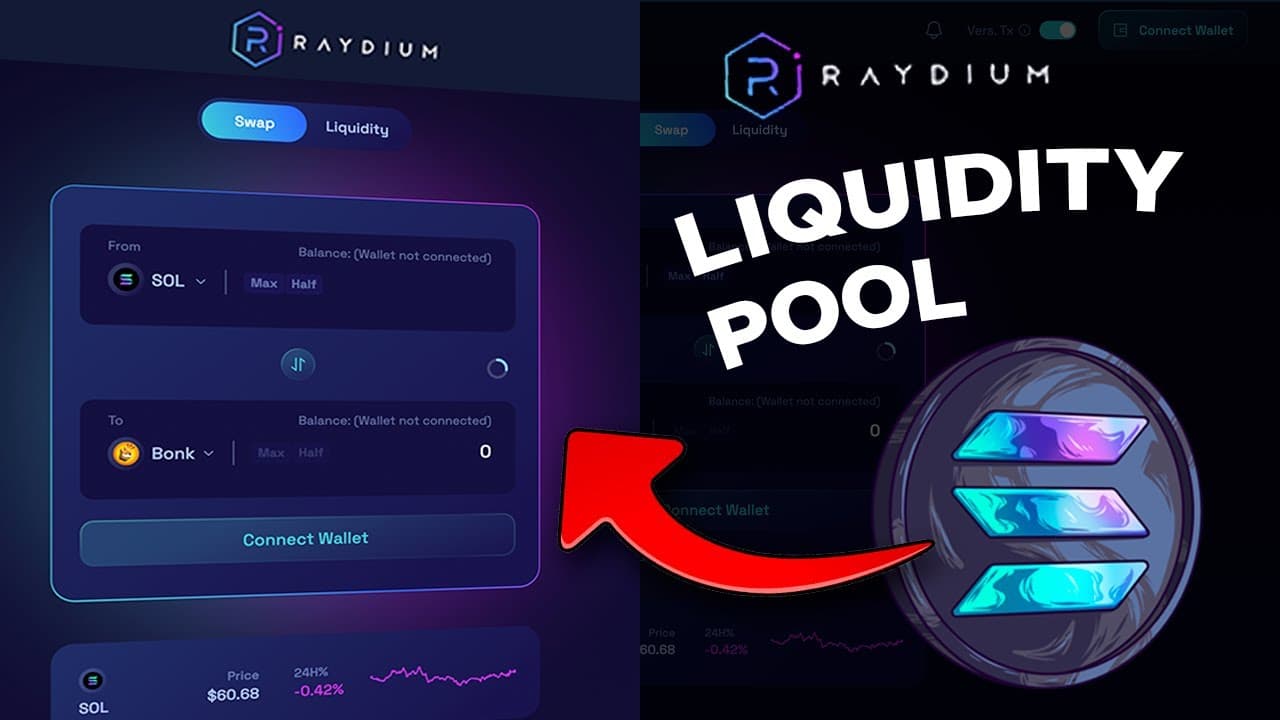
Go to raydium.io and click "Connect Wallet" in the top right corner. Select your wallet provider and approve the connection.
Part 1: Swapping Tokens on Raydium
Swapping is the simplest function — exchanging one token for another.
Step-by-Step: Making a Swap
- Navigate to the Swap tab on Raydium
- Select your input token (top field) — e.g., SOL
- Select your output token (bottom field) — e.g., USDC
- Enter the amount you want to swap
- Review the quoted output amount, price impact, and fees
- Click "Swap" and confirm the transaction in your wallet
Swap Settings You Should Understand
Click the gear icon to access swap settings:
Slippage Tolerance: This is the maximum price difference you'll accept between the quoted price and the execution price. Default is usually 0.5%.
- Stablecoins (USDC/USDT): 0.1% is fine
- Major tokens (SOL, RAY, JUP): 0.5% works
- New/low-liquidity tokens: You may need 1-5% or higher
- Memecoins: 10-20% is sometimes needed on volatile tokens
If your swap fails with "slippage exceeded," increase the tolerance. But be careful — high slippage on low-liquidity tokens means you might get a much worse price than expected.
Priority Fee: Extra SOL paid to validators for faster transaction inclusion. During congestion, increasing this helps your swap land. Start at "Medium" and increase if transactions are failing.
When to Use Raydium vs Jupiter for Swaps
Jupiter is a DEX aggregator — it routes your swap across multiple DEXes (including Raydium) to find the best price. For most swaps, Jupiter will give you a better rate because it can split orders across multiple liquidity sources.
Use Jupiter when:
- Swapping large amounts (Jupiter splits across pools for less price impact)
- Trading major tokens with liquidity on multiple DEXes
- You want the absolute best price
Use Raydium directly when:
- Trading a token that only has liquidity on Raydium
- You want to interact with a specific Raydium pool
- You're providing liquidity and want to swap into the right ratio first
Providing liquidity means depositing a pair of tokens into a pool so other traders can swap between them. In return, you earn a share of the trading fees.
How Raydium AMM Pools Work
Standard Raydium AMM pools use the classic constant product formula (x * y = k). You deposit two tokens in equal value — for example, $500 of SOL and $500 of USDC. The pool uses your liquidity to facilitate swaps, and you earn fees proportional to your share of the pool.
Fee structure: Most pools charge 0.25% per swap. Of that:
- 0.22% goes to liquidity providers (you)
- 0.03% goes to RAY buyback
Step-by-Step: Adding Liquidity to a Standard Pool
- Go to the Liquidity tab
- Click Standard to see AMM pools
- Select a pool (e.g., SOL-USDC)
- Enter the amount of one token — the other auto-fills to match the ratio
- Click "Add Liquidity"
- Confirm the transaction in your wallet
- You receive LP tokens representing your pool share
This is the critical concept most new LPs ignore. When the price ratio of your two tokens changes from when you deposited, you experience impermanent loss (IL). The further the price moves, the more IL you have.
Example: You deposit $500 SOL + $500 USDC (total: $1,000). SOL price doubles. If you'd just held, you'd have $1,500 ($1,000 SOL + $500 USDC). But as an LP, the pool rebalances — you now have more USDC and less SOL. Your position might be worth $1,414 instead of $1,500. That $86 difference is impermanent loss.
Rule of thumb: Only provide liquidity in standard pools if you believe the trading fee income will exceed your expected impermanent loss. Stable pairs (USDC-USDT) have virtually zero IL. Volatile pairs (SOL-MEME) can have massive IL.
Removing Liquidity
- Go to Liquidity → My Positions
- Select the pool position
- Choose the percentage to withdraw (25%, 50%, 100%)
- Click "Remove Liquidity" and confirm
You receive your share of both tokens at the current pool ratio — not at your original deposit ratio.
Part 3: Concentrated Liquidity (CLMM) Pools
Concentrated Liquidity Market Maker (CLMM) pools are Raydium's more advanced liquidity option, similar to Uniswap v3. Instead of spreading your liquidity across the entire price range (0 to infinity), you choose a specific price range.
Why Concentrated Liquidity Matters
In a standard pool, most of your liquidity sits unused. If SOL is $150, the liquidity you have at the $1 and $10,000 price points isn't doing anything. CLMM lets you concentrate your capital where trading actually happens.
The result: Higher fee income per dollar deposited, but only while the price stays in your range.
- Narrow range = more fees but higher risk of going out of range
- Wide range = fewer fees but less management needed
- Full range = similar to standard AMM (safe but lower returns)
Step-by-Step: Opening a CLMM Position
- Go to Liquidity → Concentrated
- Select a pool (e.g., SOL-USDC)
- Set your price range using the slider or manual input
- Enter the amount of tokens to deposit
- Review the position summary — it shows your estimated fee APR based on recent volume
- Click "Add Liquidity" and confirm
Practical CLMM Strategies
For stablecoin pairs (USDC-USDT):
- Set range: $0.995 - $1.005
- This ultra-tight range captures nearly all swaps with maximum fee efficiency
- Almost zero IL risk
- APRs can reach 10-30% even on low volume
For SOL-USDC:
- Look at the current SOL price and set a range of roughly +/-20%
- Example: SOL at $150 → range $120-$180
- Rebalance weekly or when price approaches range boundaries
- Expect 20-50% APR in active markets, but monitor closely
For memecoin pairs:
- Wide ranges only — these tokens move 50-90% in a day
- Consider full range if you want truly passive exposure
- High fees (volume is enormous) but high IL risk
- Only for experienced LPs who actively monitor
Managing CLMM Positions
Unlike standard pools, CLMM positions require active management:
- Price goes out of range: You stop earning fees. Your position converts entirely to the less valuable token. You need to withdraw, adjust, and re-enter.
- Rebalancing: Close the position and open a new one centered on the current price.
- Claiming fees: Accumulated fees can be claimed without closing the position. Go to your position and click "Claim."