Getting your Solana wallet drained is one of the worst experiences in crypto. One wrong click, one signed transaction, and everything — SOL, tokens, NFTs — gone in seconds. No support ticket, no reversal, no recovery.
The good news: wallet drains are almost entirely preventable. They rely on human error, not unbreakable hacking. If you follow these 10 rules consistently, your risk drops from "it could happen anytime" to near zero.
This guide covers the actual attack vectors used in 2026, not theoretical risks. Every rule here addresses a real way people lose funds on Solana.
How Wallet Drains Actually Work
Before the rules, understand what you're defending against:
Phishing Sites
Fake websites that look identical to legitimate dApps (Phantom, Jupiter, Raydium). You connect your wallet, sign a transaction, and the transaction drains your wallet instead of doing what you expected.
Malicious Transaction Signing
A website or dApp presents a transaction for you to sign. The transaction looks innocent (or its details are obscured) but actually transfers your tokens, NFTs, or SOL to the attacker's wallet.
Someone tricks you into entering your seed phrase (recovery phrase) on a website, form, or app. With your seed phrase, they can recreate your wallet and take everything.
Malicious Token Interactions
Scam tokens airdropped to your wallet contain metadata with phishing URLs. Visiting those URLs leads to wallet-draining sites.
Compromised Private Keys
Malware on your device captures your private key or seed phrase from your clipboard, browser extension, or file system.
Now, the 10 rules.
Rule 1: Use a Hardware Wallet for Significant Holdings
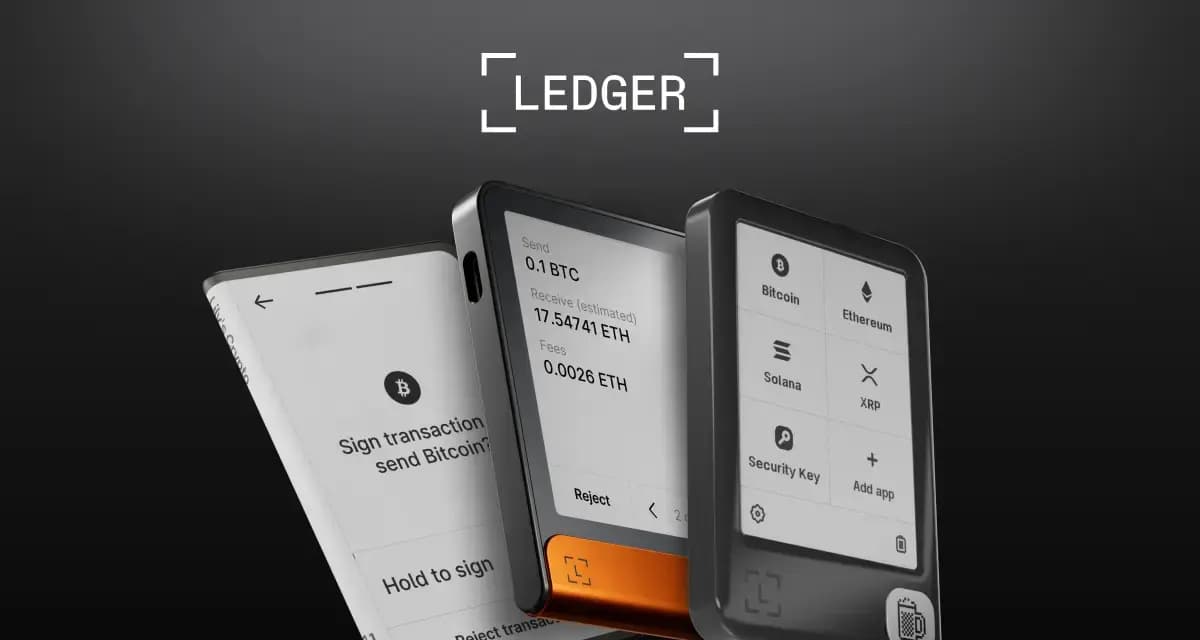
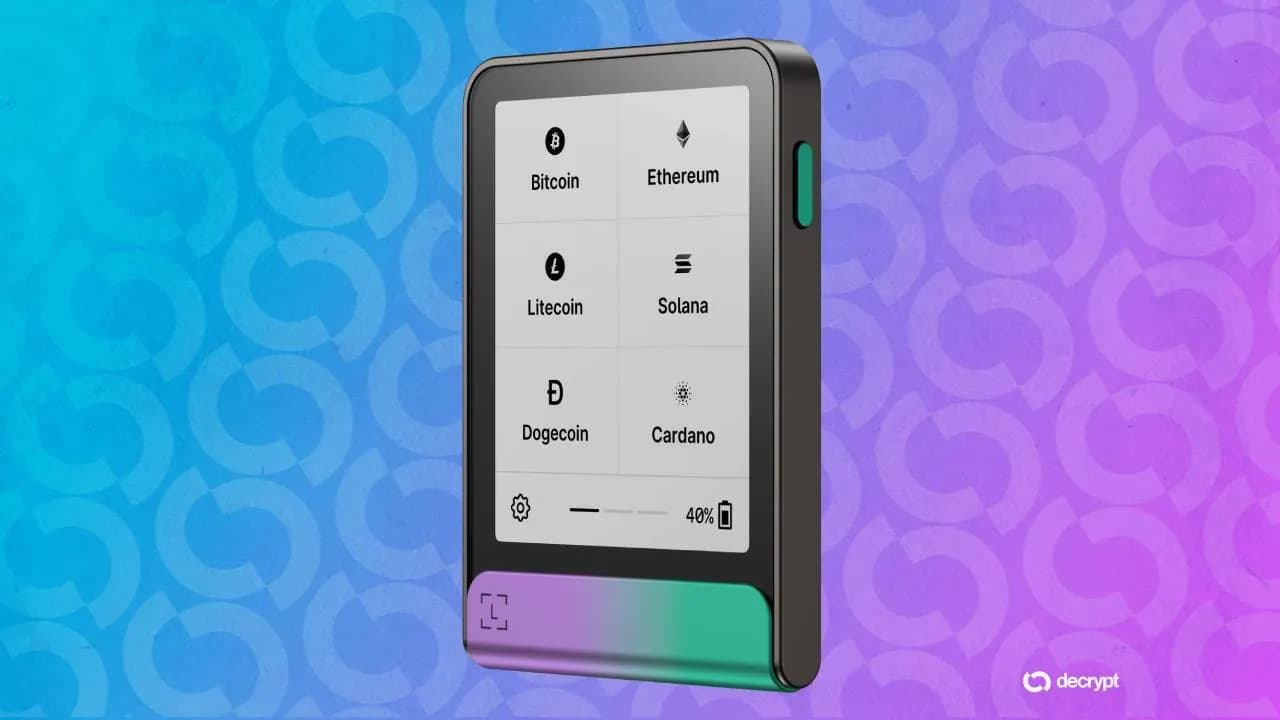
If you hold more than you'd be comfortable losing, use a hardware wallet like Ledger. Period.
Why it matters: A hardware wallet stores your private keys on a separate physical device. Even if your computer is compromised with malware, the attacker cannot access your keys without the physical device and your PIN.
How to set up:
- Buy a Ledger directly from the manufacturer (never secondhand)
- Set up the device and record your seed phrase on paper (never digitally)
- Install the Solana app on your Ledger
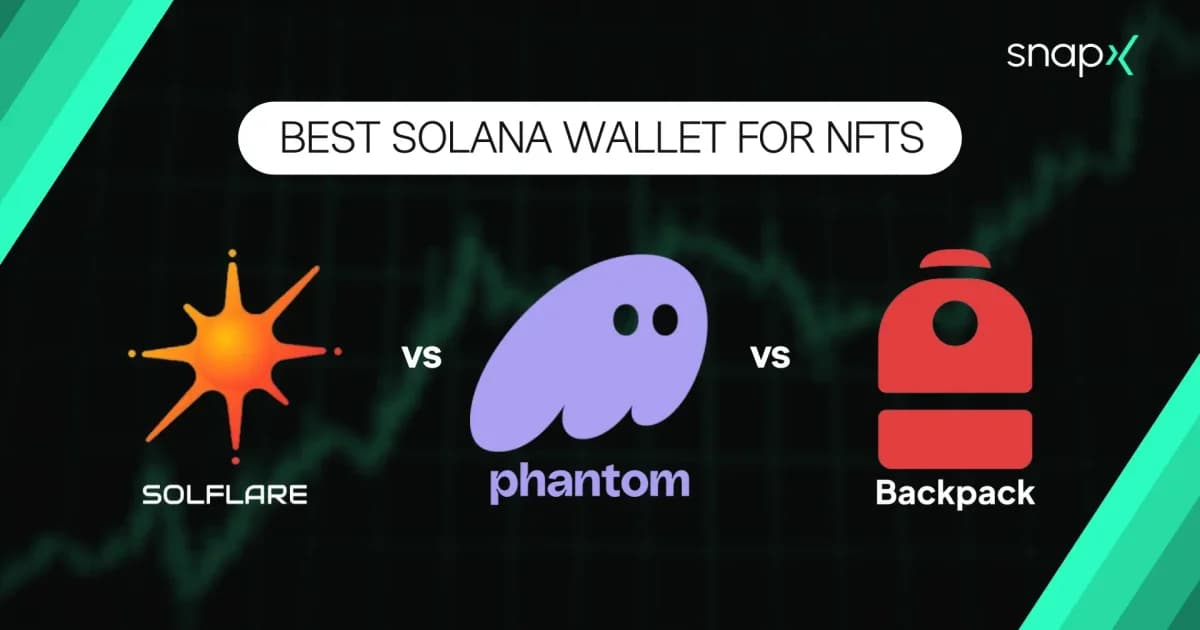
- Connect it to Phantom, Solflare, or Backpack as a hardware wallet account
- Transfer your long-term holdings to this hardware wallet address
The setup:
- Hardware wallet: Long-term holdings, staked SOL, valuable NFTs
- Hot wallet (Phantom/Solflare without hardware): Day-to-day trading, DeFi activity, small amounts you're willing to risk
Every transaction from the hardware wallet requires physical confirmation on the device. This means a phishing site can't drain you even if you accidentally connect — you'd have to physically approve the malicious transaction on the Ledger.
Rule 2: Never Share Your Seed Phrase — With Anyone, Ever
Your seed phrase (12 or 24 words) is the master key to your wallet. Anyone who has it owns your wallet. No legitimate service, support team, or protocol will ever ask for it.
Common attacks:
- "Phantom support" in Discord or Telegram DMs asking for your seed phrase to "fix" an issue
- Fake wallet setup pages that ask you to "verify" your seed phrase
- Phishing emails claiming your wallet is compromised and you need to enter your phrase to secure it
- Forms or airdrops requiring your seed phrase to "claim" rewards
The rule is absolute. There are zero legitimate scenarios where someone needs your seed phrase. The only time you type it is when recovering your wallet on a new device using the official wallet app.
Storage best practices:
- Write it on paper (or metal for fire resistance)
- Store it in a physically secure location (safe, lockbox)
- Never photograph it, screenshot it, email it, or store it digitally
- Never enter it on any website
- Consider splitting it (e.g., words 1-12 in one location, 13-24 in another)
Rule 3: Bookmark Legitimate Sites — Never Click Links
Phishing sites look identical to real ones. The URL might be phantorn.app instead of phantom.app, or jup.ag.claim.xyz instead of jup.ag. The only reliable way to avoid them is to never navigate to DeFi sites through links.
The practice:
- Manually type or bookmark the official URLs for your most-used dApps
- Always use your bookmarks to navigate, never search engine results or links from social media
- Verify the URL in your browser's address bar before connecting your wallet
Key bookmarks every Solana user should have:
Where phishing links appear:
- Twitter/X replies and quote tweets (especially under popular crypto accounts)
- Discord DMs and server messages
- Telegram groups and DMs
- Google search ads (scammers buy ads for "Jupiter swap" or "Phantom wallet")
- Airdrop announcements on social media
Rule 4: Read Every Transaction Before Signing
When your wallet asks you to sign a transaction, it shows you what the transaction will do. Read it. Every time.
What to check:
- What tokens are leaving your wallet? If a "free mint" or "claim" transaction shows your SOL or tokens being transferred out, it's a drain
- What address is receiving your tokens? If you're swapping on Jupiter, the receiving address should be Jupiter's program, not a random wallet
- Are the amounts correct? A swap of 1 SOL should show 1 SOL leaving, not your entire balance
- What programs are being invoked? Familiar programs (Jupiter, Raydium, Phantom) are expected. Unknown programs are red flags
Phantom's transaction simulation: Phantom simulates transactions before you sign, showing you the expected outcome (tokens gained/lost). If the simulation shows unexpected token transfers, reject the transaction.
When in doubt, reject. You can always try again. You can't undo a signed transaction.