Complete guide to Backpack Exchange and Wallet. Covers spot trading, earning products, the Backpack wallet, fees, regulatory status, and how it compares to other Solana-focused exchanges.
MadeOnSol··Updated · 12 min read
Disclosure: This article contains affiliate links. If you sign up through them, MadeOnSol may earn a commission at no extra cost to you. This never affects our rankings, ratings, or reviews.
Regulatory Status
This is where Backpack is making a deliberate bet that sets it apart from many crypto exchanges.
Backpack Exchange operates with regulatory licenses and has taken a compliance-first approach. Key points:
Licensed in Dubai (VARA) -- Backpack holds a Virtual Asset Service Provider license from Dubai's Virtual Assets Regulatory Authority
Licensed in Japan -- Regulated under Japanese financial authorities
KYC required -- All users must complete identity verification before trading
Compliant custody -- User funds are held in regulated custodial infrastructure
The team has been vocal about building a "post-FTX" exchange -- one that prioritizes transparency and regulatory compliance. Given that several founders experienced the FTX collapse firsthand, this isn't just marketing. It is a genuine philosophical commitment to doing things the right way.
The downside: KYC means no anonymous trading. If you want to trade without identity verification, you will need to stick with DEXs like Jupiter.
Getting Started with Backpack Exchange
Step 1: Create an Account
Go to backpack.exchange and sign up with your email. You will need to set a strong password and enable two-factor authentication (mandatory, which is a good sign).
Step 2: Complete KYC
Submit your identity documents. Backpack uses automated verification, so approval usually takes minutes rather than days. You will need:
A government-issued photo ID (passport or driver's license)
A selfie for liveness verification
Step 3: Deposit Funds
The fastest way to get started is depositing SOL or USDC from an existing Solana wallet.
Solana deposits confirm in seconds. If you are coming from another exchange or an Ethereum wallet, you can also deposit via other supported chains, but Solana is the fastest path.
Step 4: Start Trading
Navigate to the trading page, select your pair (e.g., SOL/USDC), and place your first order. The interface is intuitive -- if you have used any exchange before, you will feel right at home.
Most centralized exchanges treat Solana as one chain among dozens. Backpack was built from the ground up around it. That difference matters more than you might think -- from deposit speeds to token listings to how tightly the wallet and exchange work together.
This guide covers everything you need to know about Backpack Exchange and the Backpack Wallet in 2026: how to get started, what you can trade, what the fees look like, and where it fits alongside other options in the Solana ecosystem.
What Is Backpack?
Backpack is two products under one brand:
Backpack Wallet -- a browser extension and mobile wallet with multi-chain support and an "xNFT" app platform
Backpack Exchange -- a regulated centralized exchange built specifically for Solana traders
Both are built by Coral, the team behind the Mad Lads NFT collection and the Anchor framework (the standard toolkit for Solana program development). Several team members previously worked at FTX, which gives them deep experience in exchange infrastructure -- and a strong motivation to do things differently on the regulatory front.
The core pitch is simple: Backpack gives you a wallet and exchange that actually understand Solana natively, rather than bolting Solana support onto infrastructure designed for Ethereum.
Backpack Wallet
The Backpack Wallet launched before the exchange and is still a standalone product worth knowing about, even if you never use the exchange.
Key Features
Multi-chain support -- Solana, Ethereum, and other EVM chains. You can manage assets across chains in a single interface.
xNFT apps -- Backpack pioneered the concept of "executable NFTs." These are basically mini-apps that run inside your wallet. Think of it as a dApp browser built directly into the wallet experience. Developers can build apps that users access through their Backpack wallet without visiting a separate website.
Browser extension + mobile -- Available on Chrome, Brave, Firefox, and as a mobile app on iOS and Android.
Hardware wallet support -- Backpack Wallet currently supports Ledger, Trezor, and Keystone hardware wallets.
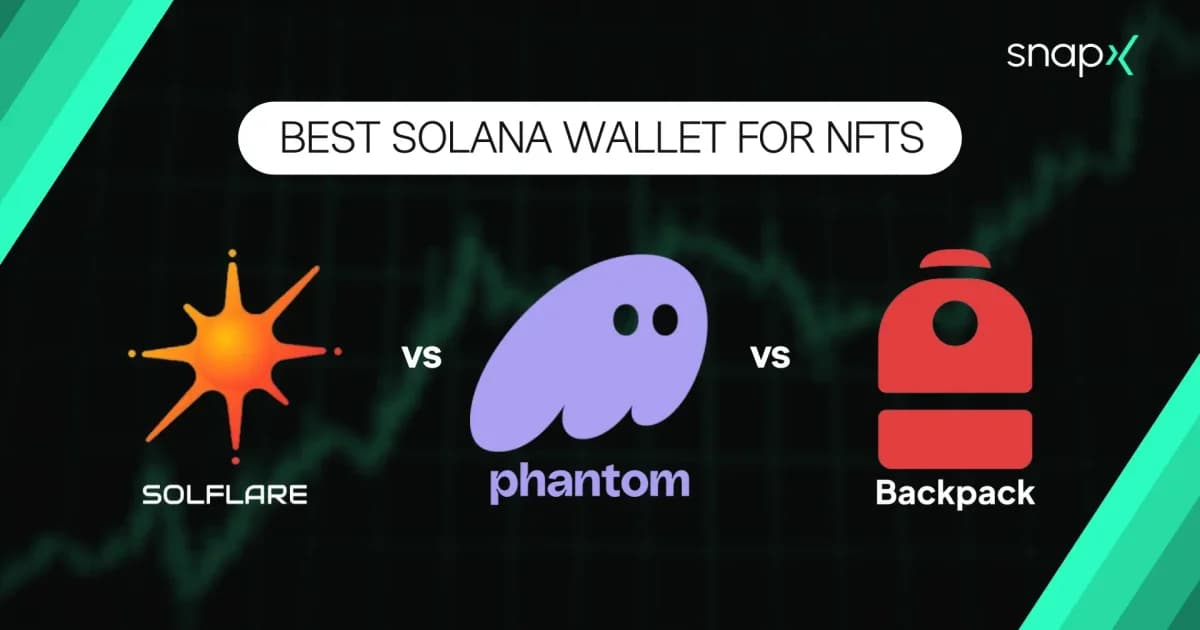
Clean UI -- The interface is minimal and fast. If you find Phantom too busy or Solflare too technical, Backpack sits in a nice middle ground.
Phantom remains a broad multi-chain consumer wallet, Solflare stays Solana-focused with deep staking controls, and Backpack now differentiates less through the old xNFT narrative than through hardware-wallet support plus tight integration with Backpack Exchange and Backpack Securities.
If you plan to use Backpack Exchange, using the Backpack Wallet alongside it gives you the smoothest experience -- deposits and withdrawals are faster and more tightly integrated. But the wallet works fine as a standalone product with any Solana dApp.
Backpack Exchange: What You Can Trade
Backpack Exchange is a centralized exchange, meaning you deposit funds to their custody and trade on their order book. This is fundamentally different from using a DEX like Jupiter or Raydium, where you trade directly from your wallet.
Spot Trading
Backpack offers spot trading across a growing number of pairs. The focus is on Solana ecosystem tokens, but major assets like BTC, ETH, and stablecoins are also supported. Expect to find:
SOL pairs -- SOL/USDC, SOL/USDT, and other SOL-quoted markets
Major tokens -- BTC, ETH, and top-cap assets
Solana ecosystem tokens -- This is where Backpack shines. They tend to list Solana-native tokens faster than Binance or Coinbase, since the team is deeply embedded in the ecosystem.
Stablecoins -- USDC and USDT pairs
Order Types
Backpack supports the standard set of order types you would expect from a modern exchange:
Market orders -- Execute immediately at the best available price
Limit orders -- Set your price and wait for it to fill
Post-only orders -- Ensures your order is added to the book as a maker (not matched immediately)
The trading interface is clean and functional. It is not trying to be Binance with 47 chart indicators -- it is a focused, fast interface for people who want to execute trades without clutter.
Backpack has also expanded well beyond spot since launch: it now offers perpetual futures with cross-margin and unified collateral across your spot and perps balances, a capital-efficient margin trading system, and even 24/7 tokenized US stock trading with full shareholder rights. It is no longer a spot-only exchange.
Earning Products
Backpack has been expanding its earning products over time. Available options include:
Lending/borrowing -- Earn yield by lending your assets, or borrow against your holdings
Staking -- Stake SOL directly through the exchange
The earning product lineup is still growing compared to established exchanges, but the yields on SOL-based products tend to be competitive since Backpack can leverage its Solana-native infrastructure.
Fee Structure
Backpack uses tiered maker/taker fees that change with 30-day volume and can also improve through BP staking or qualifying Mad Lads holdings. Use the live fee page for the current tier rather than assuming a fixed headline rate.
Do not compare exchanges from a single frozen fee example: Backpack, Binance and Coinbase all vary fees by market, volume and/or account tier. Backpack's live fee page is the source of truth for spot and perpetual maker/taker rates.
Backpack also offers volume-based discounts. The more you trade, the lower your fees go. High-volume traders can get maker fees down to 0% and taker fees below 0.04%.
Deposit and Withdrawal Fees
SOL deposits -- Free, and fast (Solana confirmation times)
USDC deposits -- Free on Solana, standard network fees on other chains
Withdrawals -- Network fees only, no additional exchange markup on most assets
This is another area where being Solana-native helps. Depositing SOL or SPL tokens is nearly instant and costs fractions of a cent in network fees. Compare that to depositing ETH or ERC-20 tokens on other exchanges, where you might wait minutes and pay several dollars in gas.
This is not really an either/or choice. They serve different purposes:
Use Backpack Exchange when you want low fees on large orders, fiat on/off ramps, earning products, or regulated custody
Use Jupiter when you want self-custody trading, access to every token on Solana (including new launches), or privacy without KYC
Use Raydium when you want to provide liquidity or trade tokens that are only available on specific AMM pools
Many Solana traders use both. Backpack for larger, planned trades where the fee savings matter. Jupiter for quick swaps and access to the long tail of tokens.
Phantom has the larger user base and broader dApp support
Backpack has xNFT apps and tighter exchange integration
Both are solid choices; your pick depends on whether you value ecosystem breadth (Phantom) or the wallet-exchange combo (Backpack)
Risks and Considerations
No guide would be complete without an honest look at the risks.
Liquidity depth. Backpack's order books are thinner than Binance or Coinbase on most pairs. For trades under $50,000, this rarely matters. For larger orders, you may experience more slippage. Check the order book depth before placing large market orders.
Younger platform. Backpack Exchange launched in 2023 and is still maturing. The team is experienced and well-funded, but the exchange does not have the multi-year track record of established players. The regulatory licenses are reassuring, but newer platforms always carry more uncertainty.
Centralized custody. When you deposit to Backpack Exchange, you are trusting them with your funds. This is true of any centralized exchange. If self-custody is important to you, use the exchange for trading and withdraw to your own wallet afterward. Do not treat any exchange as a long-term storage solution.
Narrower product range than the biggest CEXs. Backpack now covers spot, perpetual futures, margin, and even tokenized US stocks, closing much of the gap with Binance. Options and more exotic derivatives still are not part of the lineup, and the overall breadth (asset count, order types) remains smaller than Binance's.
Geographic restrictions. Regulatory licensing means some jurisdictions are not supported. Check the Backpack website for your country's availability before signing up.
The Bottom Line
Backpack occupies a unique position in the Solana ecosystem. It is the only exchange that was built from the ground up by a Solana-native team, with a companion wallet that integrates directly into the trading experience. The fees are among the lowest in the industry, the regulatory approach is serious, and the team has both the technical chops and the motivation to build something lasting.
It is not going to replace Binance for someone who needs deep liquidity across hundreds of assets. And it is not going to replace Jupiter for someone who values self-custody and permissionless access to every token on Solana.
But if you are a Solana-focused trader who wants a compliant, low-fee centralized exchange with fast deposits and a clean interface, Backpack is the best option available right now. Pair it with the Backpack Wallet for the full experience, or use it alongside Phantom and Jupiter as part of your broader toolkit.
If you're still deciding whether a CEX like Backpack even fits your workflow, our broader Solana DEX vs CEX trading guide breaks down that decision, and our Binance and MEXC buying guide covers the cheapest funding path if deeper liquidity matters more to you than fees.
Explore more Solana trading tools, wallets, and exchanges on MadeOnSol.
September 2026 refresh
Backpack has expanded materially since this guide was first published. Backpack Securities launched in June 2026, adding traditional U.S. stock/ETF ownership plus Solana-tokenized securities that can be converted 1:1 between the brokerage entitlement and the on-chain token where available. Backpack's own timeline also records perpetual futures, margin infrastructure, BP staking and tokenized equities as active product lines.
The wallet section was also corrected: Backpack Wallet supports Ledger, Trezor and Keystone, and Backpack announced zero platform fees for swaps and bridges across supported wallet networks in March 2026 (third-party/network/bridge costs can still apply). Exchange trading fees remain tiered and should be read from the live fee schedule rather than hard-coded comparisons.