Step 4: Track Dev Wallet Selling Patterns
Once insiders are identified, the next step is monitoring their sell behavior. Dev wallet sells are the single most reliable indicator that a token is about to dump.
Common Selling Patterns
The Slow Bleed: The dev sells 1-2% of their holdings every few hours. The price gradually declines as the dev extracts value without triggering a visible dump. This is the most sophisticated approach and hardest to detect without active monitoring.
The Cliff Dump: The dev holds until a specific market cap or price target, then sells their entire position in one or two transactions. The price crashes instantly. Usually happens after a notable catalyst (KOL tweet, trending on DEXScreener) brings in enough liquidity to absorb the sell.
The Distribution Dump: The dev transfers tokens to multiple wallets, then sells from each wallet separately. This disguises the selling as unrelated market activity. Look for multiple wallets receiving tokens from the same source and selling within a short timeframe.
Reading these patterns in aggregate — net buy versus sell pressure across all the wallets touching a token — is the discipline of order flow analysis. Our guide to Solana on-chain order flow analysis shows how to read the market before the dump becomes obvious on the chart.
Setting Up Real-Time Alerts
Cielo Finance: Add insider wallets to a watchlist and enable notifications. You will receive alerts whenever the wallet executes a swap, transfer, or interaction with a DEX.
Axiom: Offers wallet tracking features — you can follow specific wallets and see their trades in real time, allowing you to react quickly to insider sells. (BullX offered similar tracking but suspended all trading functionality on June 1, 2026 and has not relaunched.)
MadeOnSol Deployer Hunter: Our deployer tracking tool monitors Pump.fun deployers, showing their deploy history, success rates, and wallet activity patterns.
Step 5: Build Your Insider Intelligence Database
The most successful on-chain analysts do not start from scratch with every token. They maintain databases of known wallet clusters, flagged deployers, and verified smart money wallets.
What to Track
For each insider cluster you identify:
- Main funding wallet address
- Number of associated buyer wallets
- Tokens they have deployed or sniped
- Average holding period before selling
- Success rate (did the tokens they buy actually pump?)
Tools for Ongoing Monitoring
Dune Analytics: Build custom dashboards that track specific wallet addresses over time. You can create queries that alert you when a known insider deploys a new token or when multiple wallets from a known cluster activate simultaneously.
Nansen: Nansen's smart money labels and wallet profiling provide pre-built intelligence on high-value wallets. While primarily focused on Ethereum, their Solana coverage has expanded significantly.
Red Flags Checklist
Before buying any Solana token, run through this insider check:
This takes 5-10 minutes per token. It will save you from the majority of rug pulls and coordinated dumps.
Final Thoughts
Insider wallet tracking is not about paranoia — it is about information asymmetry. In a market where anyone can deploy a token and manufacture fake demand, the ability to read on-chain wallet patterns is a fundamental skill.
You do not need to track every wallet on Solana. Start with the tokens you are considering buying. Before every trade, spend five minutes checking the deployer, mapping the top holders, and looking for coordinated buying patterns. Over time, you will build an intuition for what legitimate organic demand looks like versus manufactured insider activity.
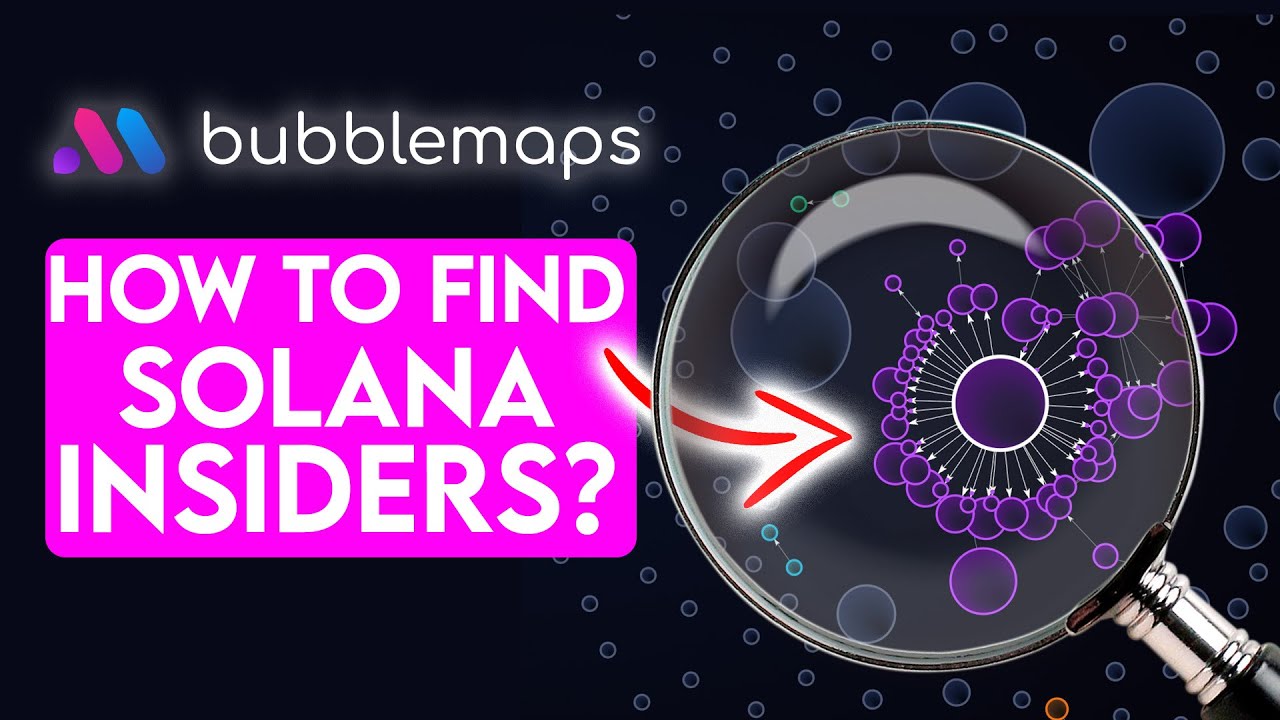
The tools exist. Solscan, Bubblemaps, GMGN, and Cielo Finance give you everything you need. The edge comes from consistently doing the work.
FAQ
How do I tell the difference between a sniper bot and an insider wallet?
Sniper bots are automated trading wallets that buy new tokens immediately upon liquidity being added. They typically have long histories of sniping hundreds of tokens with most positions being small and quickly flipped. Insider wallets, by contrast, only buy the specific token they are connected to, often hold longer, and are funded directly or indirectly by the deployer. Check the wallet's history — if it has sniped 500 different tokens this month, it is a bot. If it only has activity related to this one token, it is likely an insider.
Can insiders hide their wallet connections?
They try. Sophisticated operators use mixers, route funds through centralized exchanges, or use privacy-focused bridges to obscure the connection between their main wallet and buyer wallets. However, the on-chain entry pattern is still visible — multiple fresh wallets buying in block one is suspicious regardless of whether you can trace the funding source. Timing and behavior patterns are harder to hide than fund flows.
Is it always bad if the dev wallet holds a large supply?
Not necessarily. Some legitimate projects have dev allocations with vesting schedules or locked tokens. The key factors are transparency and behavior. A dev who openly states they hold 10% with a 12-month vest is different from a dev who secretly controls 30% through multiple wallets. Check if the tokens are in a vesting contract, a multisig, or just sitting in a regular wallet ready to sell at any moment.
How often should I update my insider wallet database?
Active traders should review and update their database weekly. Insider operators regularly create new wallet clusters and abandon old ones. A wallet cluster you identified last month might be inactive while the operator has set up fresh wallets. Follow the deployer's main funding wallet — that is the one constant that usually persists across different operations.
How does insider tracking relate to KOL tracking and holder analysis?
They're complementary layers of the same on-chain research: tracking KOL wallets tells you who's buying that the market already trusts, insider tracking tells you who's connected to the deployer, and holder concentration analysis tells you how risky the current supply distribution is. Combine all three before trusting a new token.