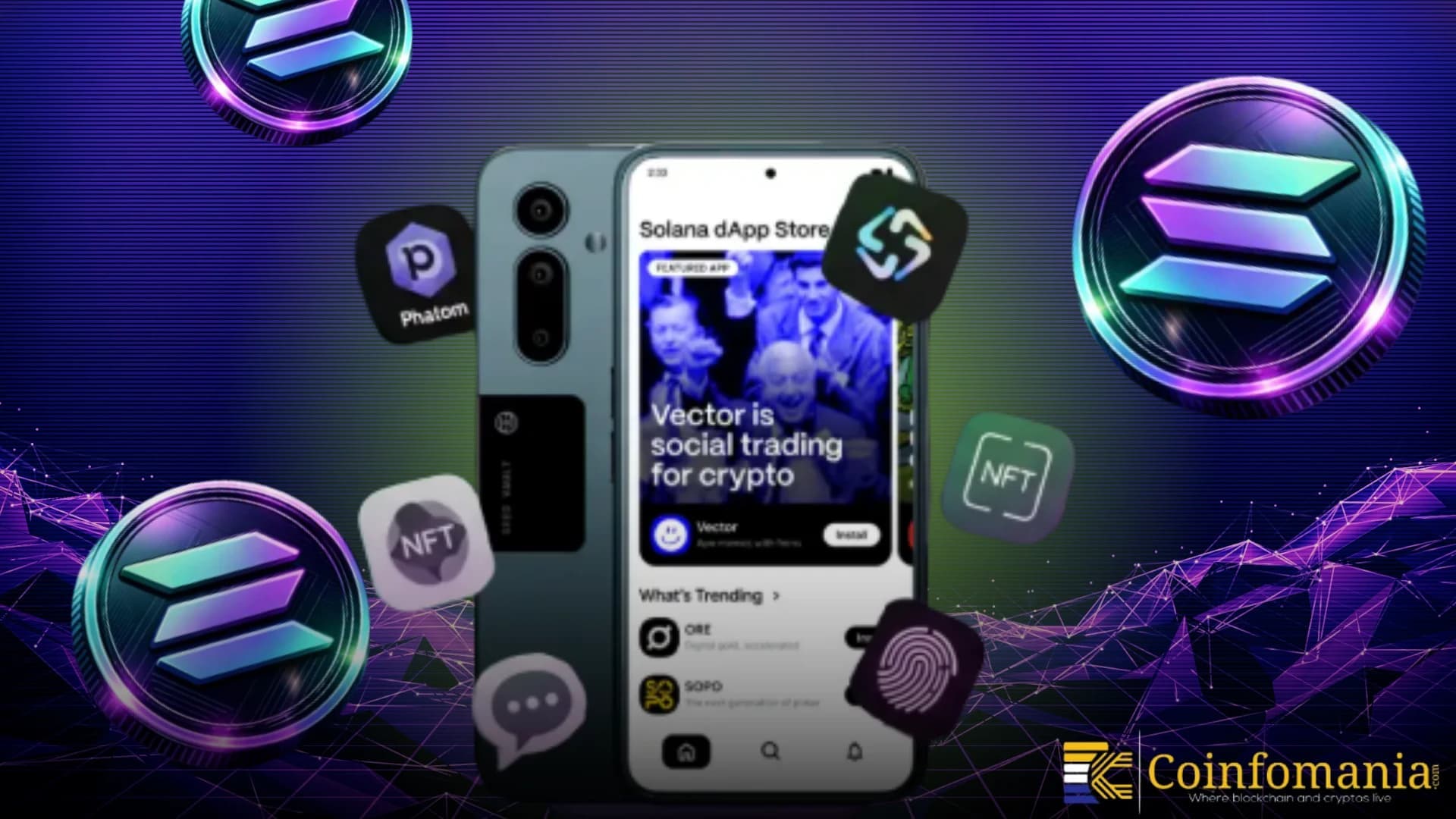
Apple and Google have spent years making life difficult for crypto apps. Token swaps get rejected, NFT marketplaces are forced to remove functionality, and DeFi protocols face arbitrary review delays. The Solana dApp Store exists because the Web3 ecosystem needed an alternative — a mobile app marketplace where crypto-native applications can operate without gatekeepers deciding which features are acceptable.
Launched alongside the Solana Saga phone in 2023 and expanded with the Seeker device in 2025, the Solana dApp Store has grown from an experimental concept into a legitimate distribution channel for mobile Web3 applications. This guide covers everything: what it is, how to use it, what you'll find inside, and whether it matters for non-Solana-phone users.
What Is the Solana dApp Store?
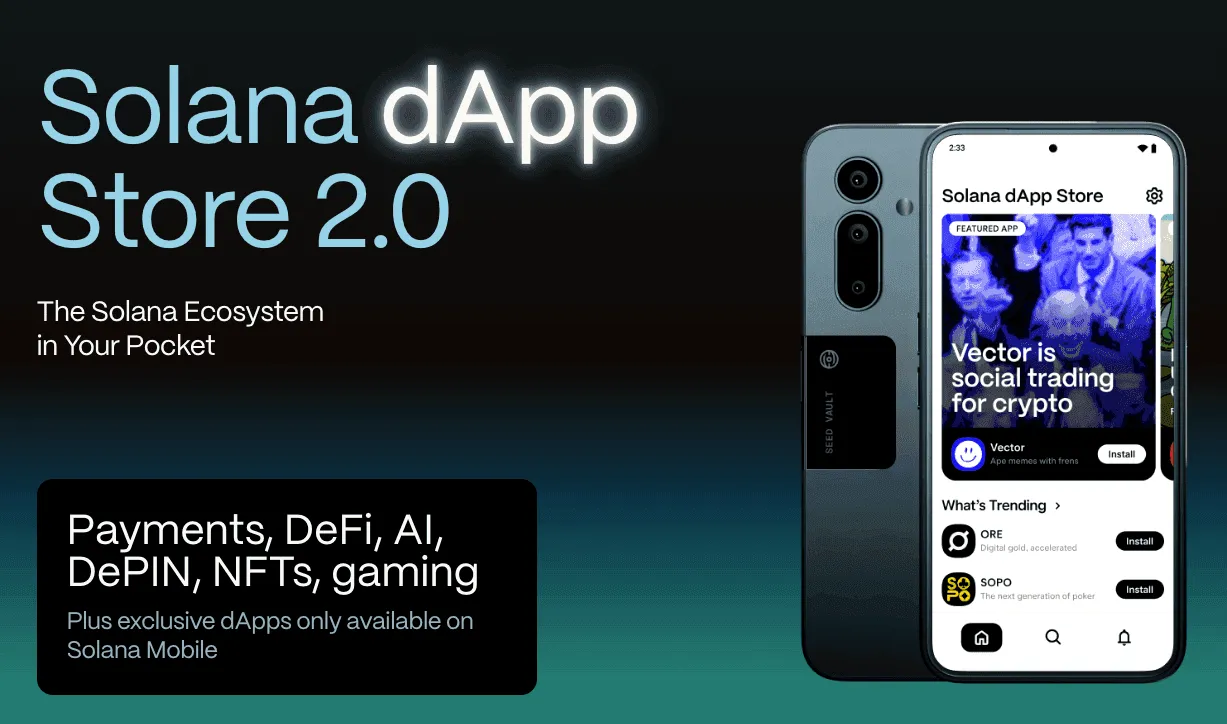
The Solana dApp Store is a mobile application marketplace built specifically for Web3 apps. Think of it as an alternative to the Google Play Store and Apple App Store, but with rules designed for crypto applications rather than against them.
Key characteristics:
- No 30% app store tax: Apps don't need to pay Apple or Google's commission on in-app transactions
- Crypto-native features allowed: Token swaps, NFT trading, DeFi protocols, and wallet functionality operate without restrictions
- Curated but permissionless: Apps go through a review process for security, but crypto functionality isn't grounds for rejection
- Free to publish: Developers can list their apps without paying platform fees
- Open-source: The dApp Store infrastructure is open-source, meaning anyone can verify how it works
How It Differs from Traditional App Stores
| Aspect | Apple/Google App Store | Solana dApp Store |
|---|
| In-app crypto transactions | Heavily restricted | Fully supported |
| NFT purchases | Require Apple/Google payment (30% fee) | Direct wallet transactions |
| Token swaps | Often rejected or limited | Core functionality |
| DeFi protocols | Restricted or removed | Welcome |
| Developer fee | $99/year (Apple), $25 one-time (Google) | Free |
| Transaction commission | 15-30% on in-app purchases | 0% |
| Review process | Opaque, often anti-crypto | Security-focused, crypto-friendly |
| Available devices | All iOS/Android | Saga, Seeker, select Android |
The difference is philosophical. Apple and Google treat crypto features as problems to manage. The Solana dApp Store treats them as the primary use case.
How to Access the Solana dApp Store
On Solana Mobile Devices (Saga & Seeker)
If you own a Solana Saga or Seeker device, the dApp Store comes pre-installed. Open it like any other app store:
- Tap the dApp Store icon on your home screen
- Browse categories or search for specific apps
- Tap Install on any app you want
- The app downloads and installs like any standard Android app
The experience is nearly identical to the Google Play Store, just with a catalog focused entirely on Web3 applications.
On Other Android Devices
You don't need a Solana phone to use the dApp Store. Any Android device can access it:
- Visit solanamobile.com/dapp-store in your mobile browser
- Download the dApp Store APK
- Enable "Install from unknown sources" in your Android settings (required for sideloading)
- Install the APK
- Open the dApp Store and browse
Important: Sideloading apps bypasses Google Play's security screening. Only download the dApp Store APK from Solana Mobile's official website. Verify the URL carefully — phishing sites exist.
On iOS
As of 2026, the Solana dApp Store is not available on iOS. Apple's restrictions on alternative app stores make it impossible to distribute on iPhone without jailbreaking. Some dApp Store apps are available individually on the App Store, but with reduced crypto functionality due to Apple's policies.
This is the single biggest limitation of the Solana dApp Store ecosystem — it can't reach iOS users through its own distribution channel.
What You'll Find in the dApp Store
The dApp Store organizes apps into categories familiar to any Solana user:
Wallets
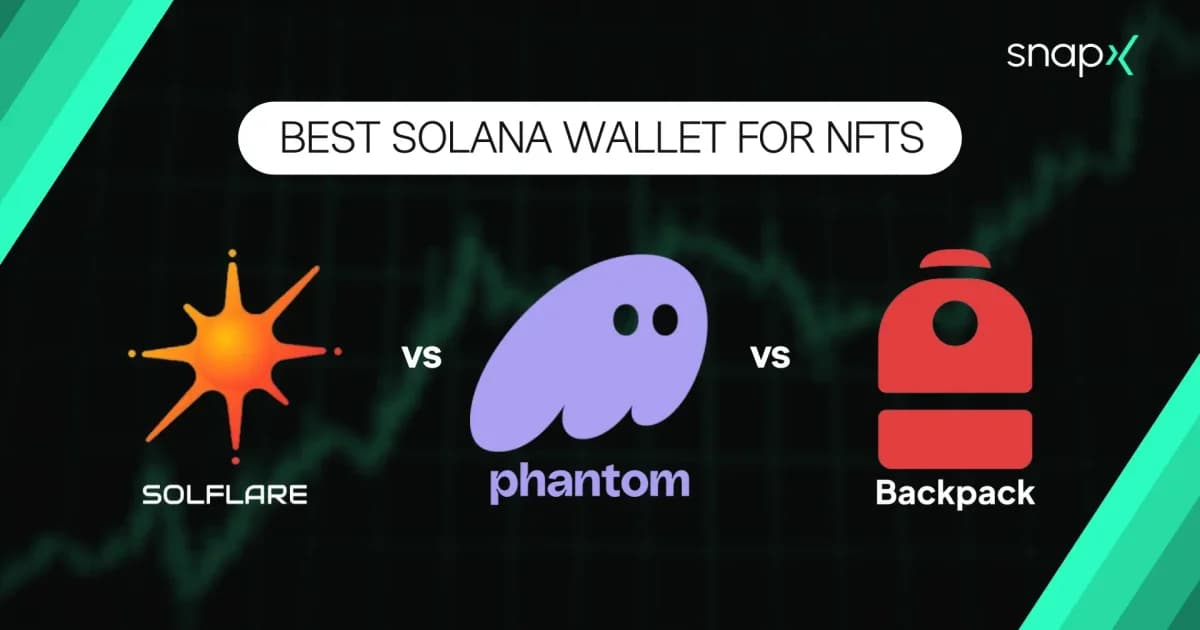
- Phantom: The most popular Solana wallet, with full swap, staking, and NFT functionality unrestricted by app store policies
- Backpack: xNFT-powered wallet with built-in dApp browser and exchange features
- Solflare: Solana-native wallet with deep staking features
- Seed Vault integration: On Saga and Seeker devices, wallets integrate with the Seed Vault — a hardware-level secure element that stores your private keys separately from the main operating system
DeFi Apps
On a traditional app store, many of these would be forced to remove swap functionality or route transactions through Apple/Google's payment system (adding 30% to every trade). On the dApp Store, they work exactly as they do on desktop.
NFT Marketplaces
This is particularly significant because Apple effectively killed NFT trading on iOS by requiring all purchases to go through Apple Pay, making NFTs 30% more expensive. The dApp Store has no such requirement.
Trading and Analytics
- DexScreener
- Birdeye
- Trading bots and portfolio trackers
- Alert and notification services
Games
- On-chain games built on Solana
- Play-to-earn applications
- NFT-integrated gaming experiences
Social and Communication
- Dialect (Solana messaging)
- Social platforms with token-gated features
- Community tools
The Saga and Seeker Experience
Saga (First Generation)
The Solana Saga launched in 2023 as the first crypto-native smartphone. Initially met with skepticism (it was priced at $1,000 and sales were slow), it became a collector's item after the BONK airdrop made early owners significant returns.
Key features for dApp Store use:
- Seed Vault: Hardware-isolated secure element for private key storage
- Solana Mobile Stack (SMS): Development kit that lets apps interact directly with the Seed Vault
- Native dApp Store: Pre-installed, no sideloading needed
- Standard Android: Runs all regular Android apps alongside crypto apps
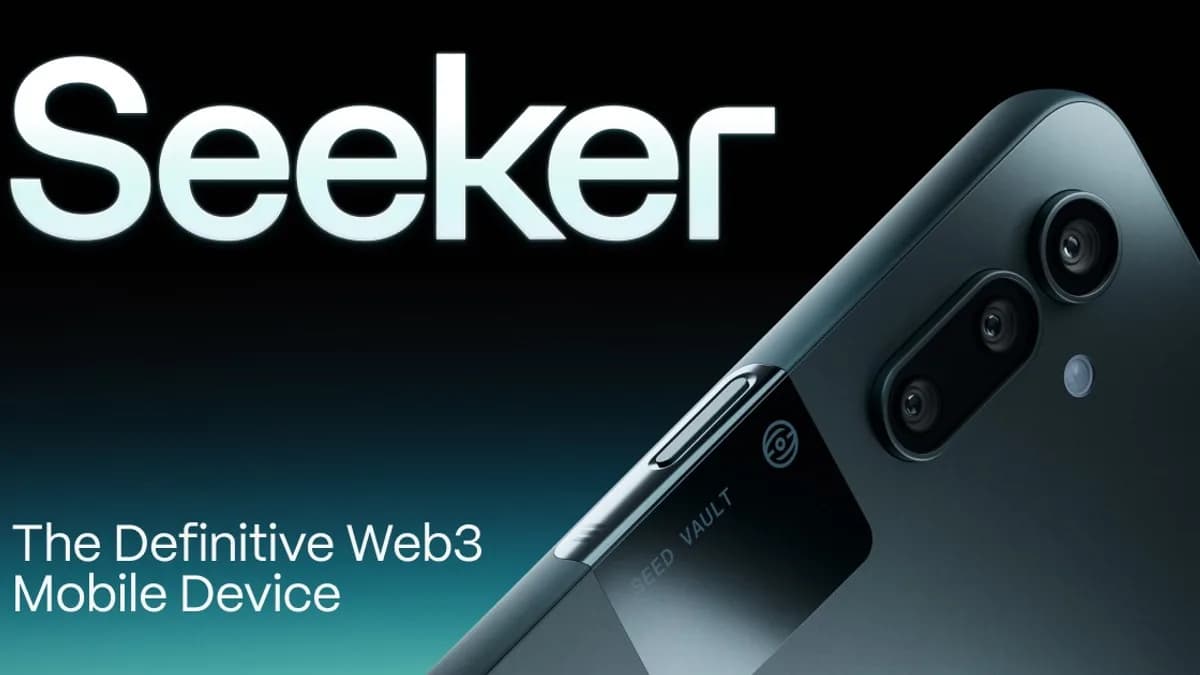
Seeker (Second Generation)
The Seeker, launched in 2025, learned from Saga's mistakes:
- Lower price point: More accessible than Saga's $1,000 launch price
- Improved hardware: Better camera, display, and battery life
- Enhanced Seed Vault: Faster biometric signing and support for more key types
- Deeper dApp Store integration: Rewards for dApp Store usage, curated discovery feeds
- Genesis Token: NFT that came with every Seeker, providing access to exclusive airdrops and content
The Seeker made the dApp Store experience genuinely smooth. Instead of feeling like a compromise (using a "crypto phone" that's worse than a regular phone), the Seeker is a competitive Android device that happens to have Web3 features built in.