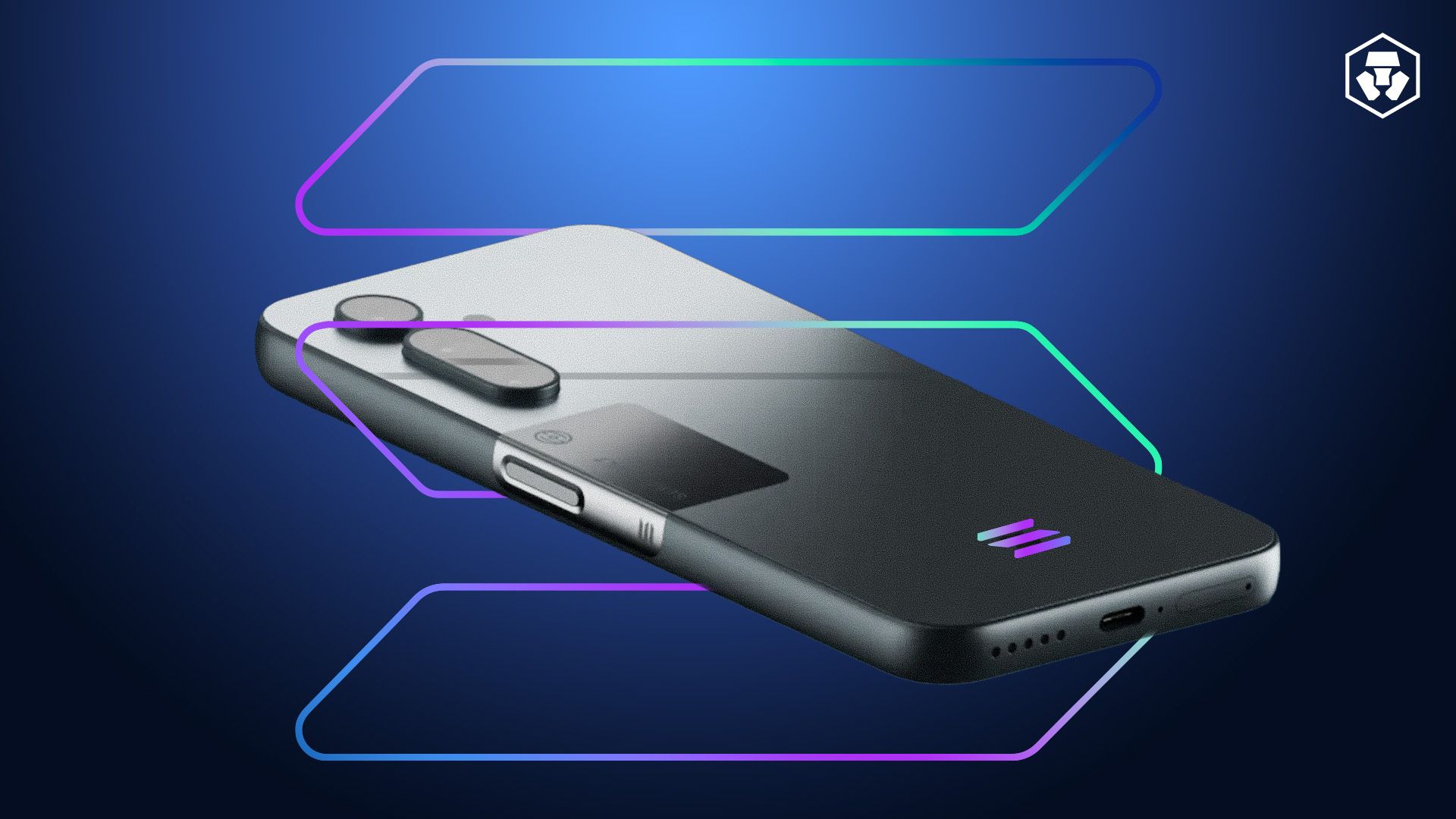
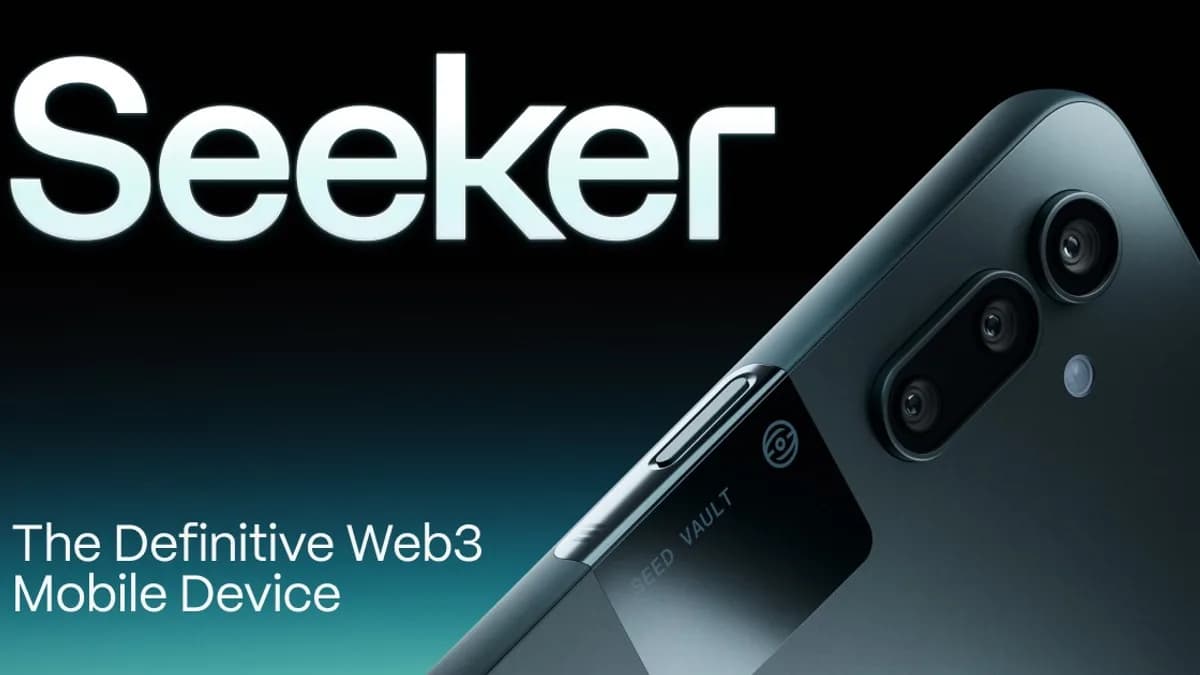
The Solana Seeker is Solana Mobile's second-generation crypto phone, and it arrived with expectations that its predecessor — the Saga — never had to deal with. The Saga launched to middling reviews and slow sales before finding unexpected success as a gateway to the BONK airdrop, causing sealed units to sell for multiples of their retail price on secondary markets.
The Seeker had to prove that a crypto-native phone could stand on its own merits, not just as an airdrop delivery vehicle. After spending several months with the device as a daily driver, here's a comprehensive review.
Hardware Specifications
Let's start with what you're actually holding. The Seeker is a mid-range Android phone with a crypto-specific trick up its sleeve.
| Specification | Solana Seeker | Saga (Gen 1) | Comparable Mid-Range (2025-26) |
|---|
| Processor | Snapdragon 7+ Gen 2 | Snapdragon 8+ Gen 1 | Snapdragon 7s Gen 3 |
| RAM | 8 GB | 12 GB | 8 GB |
| Storage | 128 GB | 512 GB | 128-256 GB |
| Display | 6.36" AMOLED, 120Hz | 6.67" OLED, 120Hz | 6.5" AMOLED, 120Hz |
| Battery | 4,500 mAh | 4,100 mAh | 5,000 mAh |
| Rear Camera | 50MP main + 13MP ultrawide | 50MP main + 12MP ultrawide | 50MP+ main + ultrawide |
| Front Camera | 16MP | 16MP | 16MP |
| Secure Element | Seed Vault (hardware) | Seed Vault (hardware) | N/A |
| OS | Android 14 + Solana Mobile Stack | Android 13 + Solana Mobile Stack | Android 14/15 |
| Launch / preorder pricing | Early preorder tiers varied; check current Seeker availability | Saga launched at $1,000 before later cuts | Varies |
| Weight | ~185g | ~243g | ~190g |
The immediate takeaway: the Seeker is lighter, cheaper, and more in line with what people actually expect from a mid-range phone. Solana Mobile learned from the Saga's biggest mistake — pricing a mid-range phone at flagship levels.
Build Quality and Design
The Seeker feels good in hand. It's noticeably lighter than the Saga and has a cleaner, more modern design. The build is plastic-backed rather than glass, which keeps the weight down and means you're less likely to crack it — though it does feel less premium than phones at the same price point that use glass or ceramic.
The 6.36-inch AMOLED display is bright, sharp, and responsive at 120Hz. Scrolling through DeFi dashboards, NFT galleries, or trading interfaces is smooth. The bezels are thin enough that the phone looks modern without being bleeding-edge.
No headphone jack, which is standard at this point. USB-C for charging, has a 4,500 mAh battery with wireless charging; exact charge-rate behavior depends on charger and usage. The 4,500 mAh battery lasts a full day with moderate use, though heavy DeFi usage (constant RPC calls, live price feeds, notifications) will drain it faster — expect to charge by early evening if you're actively trading all day.
The Seed Vault: Hardware Security
The Seed Vault is the Seeker's differentiating hardware feature and the single best reason to consider this phone over a regular Android device with wallet apps installed.
Seed Vault is a secure enclave built into the phone's hardware. Your private keys are generated and stored inside this isolated environment. They never leave the secure element — not into the phone's main memory, not into any app, not into a backup.
When you sign a transaction, the signing happens inside the Seed Vault. The transaction data goes in, the signature comes out, and the private key never touches the Android operating system. This means that even if your phone is compromised by malware, your keys remain protected.
How it works in practice:
- You set up Seed Vault during phone initialization, creating or importing a seed phrase
- The seed phrase is stored in the secure element and protected by your biometric (fingerprint) plus a PIN
- When an app requests a transaction signature, the phone shows a system-level confirmation screen (not rendered by the app) displaying transaction details
- You approve with your fingerprint, the Seed Vault signs internally, and returns the signature
This is meaningfully more secure than a software wallet on a regular phone, where keys are stored in the app's encrypted storage but still accessible to the Android OS layer. It's not quite a hardware wallet — a Ledger or Trezor is still more secure because they're air-gapped — but for a device you carry everywhere and transact with daily, the Seed Vault is a solid compromise.
Both Phantom and Solflare integrate with Seed Vault, so you can use your preferred wallet app while keeping keys in hardware.
Solana Mobile dApp Store
The dApp Store is the Seeker's software centerpiece. It's a curated app marketplace for Solana-native applications, separate from the Google Play Store (which is also available on the phone).
What's Available
The dApp Store has grown significantly since the Saga era. Categories include:
- DeFi: Jupiter, Raydium, Marinade, Kamino — most major Solana DeFi protocols have mobile-optimized dApps
- Wallets: Phantom, Solflare, Backpack
- NFTs: Tensor, Magic Eden mobile apps
- Trading tools: Mobile-optimized trading interfaces and portfolio trackers
- Games: Several Solana-native games with on-chain assets
- Social: Decentralized social apps built on Solana
The quality varies. Some dApps are fully-featured native apps. Others are essentially wrapped web views that work but don't feel native. The top-tier apps (Phantom, Jupiter, Tensor) are genuinely well-built mobile experiences that integrate cleanly with Seed Vault.
dApp Store vs. Google Play
You're not locked into the dApp Store. The Seeker runs full Android, so you can install anything from Google Play. The dApp Store exists alongside it, offering crypto-native apps that may not be available on Google Play (Google has historically been restrictive about crypto apps, though their policies have loosened).
The key difference: dApp Store apps are designed to integrate with Seed Vault and the Solana Mobile Stack. A DeFi app from the dApp Store can request Seed Vault signatures directly, while a Google Play app would need you to use a separate wallet connection flow.
Solana Mobile Stack (SMS)
The Solana Mobile Stack is the developer toolkit that makes the Seeker more than just an Android phone with a secure chip. It includes:
- Seed Vault SDK: APIs for apps to request transaction signing from the secure element
- Mobile Wallet Adapter: Standard protocol for dApps to connect to mobile wallets (similar to WalletConnect but Solana-native)
- Solana Pay integration: Built-in support for Solana Pay transaction requests
- dApp Store publishing tools: SDK for submitting apps to the dApp Store
For developers, SMS is well-documented and relatively straightforward to integrate. The Mobile Wallet Adapter is particularly nice — it standardizes the connection flow so users get a consistent experience across dApps.
The SKR Token Airdrop
Let's address the elephant in the room. Many Seeker buyers purchased the phone primarily for the SKR token airdrop, hoping for a repeat of the Saga/BONK windfall.
SKR (Seeker Rewards) is the token distributed to Seeker holders. Every Seeker phone includes a unique genesis token — a non-transferable NFT burned to the device's Seed Vault — that served as the claim mechanism for SKR airdrops.
What Happened with SKR
SKR launched with several distribution phases:
- Initial claim: Available to all Seeker genesis token holders shortly after device shipping
- Ongoing rewards: Smaller distributions tied to dApp Store engagement and ecosystem participation
- Partner airdrops: Various Solana projects allocated tokens to Seeker holders
The initial SKR distribution was meaningful but didn't approach Saga-era BONK levels relative to phone cost. At peak, the combined value of SKR and partner airdrops offset roughly 30-50% of the phone's purchase price for early buyers. Some later buyers who got in at the $500 price point saw less favorable economics.
The honest take: if you bought the Seeker purely as an airdrop play, returns were decent but not life-changing. If you bought it as a phone that also came with crypto benefits, the airdrops were a nice bonus. The Saga airdrop situation was a one-time anomaly, not a repeatable model.