Protection Strategies
Strategy 1: Use a Separate Wallet for Interactions
Maintain at least two wallets:
- Vault wallet: Holds your main portfolio. Never connects to any dApp. Only used for receiving and sending between your own wallets.
- Active wallet: Used for trading, minting, and dApp interactions. Only holds the SOL/tokens you are actively trading with.
If your active wallet gets drained, you lose only what was in it — not your entire portfolio. Replenish the active wallet from the vault as needed.
This single practice prevents more losses than all other measures combined. For a broader look at the full threat landscape and whether the chain itself is the risk, see our overview of whether Solana is safe and how to protect your wallet.
Strategy 2: Read Every Transaction Preview
Before signing any transaction, read the simulation preview:
- Check outgoing transfers: Are any tokens leaving your wallet? Which tokens, and how much?
- Check approvals/delegates: Is the transaction setting a delegate on any token account?
- Check the program being called: Is it a known program (SPL Token, Jupiter, Raydium) or an unknown contract?
- Check the destination: If tokens are being transferred, where are they going? Is it an address you recognize?
If anything looks unexpected, reject the transaction. It is always better to miss a legitimate opportunity than to sign a drainer.
Strategy 3: Verify URLs Independently
Never click links from:
- Discord DMs or server messages claiming airdrops or mints
- Twitter/X replies or DMs with claim links
- Telegram messages from unknown users
- Emails claiming to be from Solana projects
- Token metadata in airdropped tokens
If a project announces a claim or mint, go to their official website directly by typing the URL or using a bookmarked link. Do not follow links from social media or messages.
Strategy 4: Revoke Stale Approvals
Periodically check your token account delegates and revoke any you do not recognize.
On Solscan, search your wallet address and look at your token accounts. Check if any have delegates set. If you find a delegate you do not recognize, revoke it immediately through a Solana token revoke transaction.
Phantom also shows active approvals in its security settings — review them periodically.
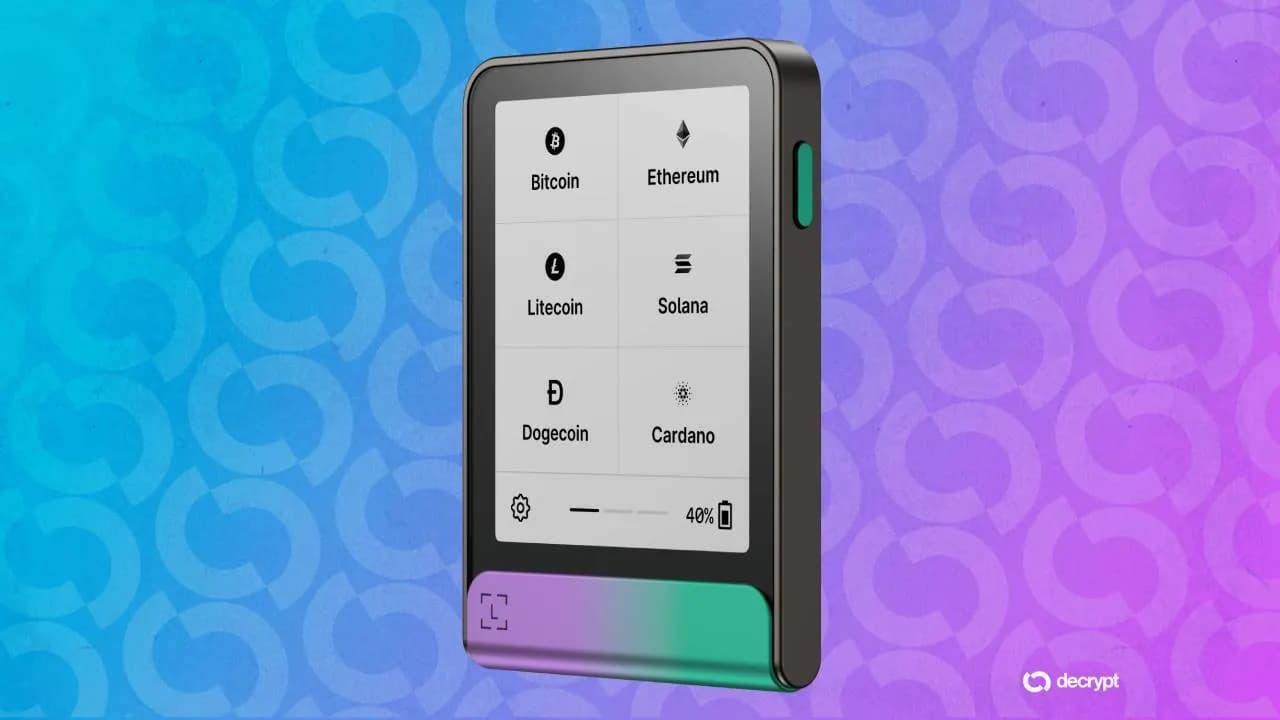
Strategy 5: Use Hardware Wallets for Large Holdings
Hardware wallets like Ledger add a physical confirmation step. Even if you click "approve" in your browser wallet, the transaction must be confirmed on the hardware device's screen. This gives you a second chance to review the transaction and catch anything suspicious.
For holdings above a few thousand dollars, the inconvenience of a hardware wallet is well worth the protection.
Strategy 6: Test with Small Amounts
When interacting with a new dApp or protocol for the first time, test with a small amount first. Send 0.01 SOL, perform the interaction, and verify the results before committing larger amounts. If the small test transaction drains your 0.01 SOL, you learn the site is malicious at minimal cost.
What to Do If You Get Drained
If you believe your wallet has been drained:
- Stop signing transactions from the compromised wallet immediately
- Transfer remaining assets from the compromised wallet to a new, clean wallet. If the drainer used delegation instead of direct transfer, your remaining tokens are at risk.
- Revoke all approvals and delegates on the compromised wallet
- Do not reuse the compromised wallet for storing significant amounts. While the wallet itself is not compromised (the drainer does not have your private key), any remaining delegates or approvals you missed could be exploited later.
- Report the drainer site to wallet providers (Phantom, Solflare) so they can add it to their blocklists
- Document everything — transaction hashes, drainer website URL, attacker wallet addresses. This information helps security researchers track drainer operators.
Recognizing Social Engineering
The technical drainer is just the payload. The delivery mechanism is always social engineering — manipulating you into visiting the malicious site and signing the transaction.
Common social engineering patterns:
- Urgency: "Claim in the next 30 minutes or lose your allocation"
- Authority: "Official announcement from [popular project]"
- Greed: "500 SOL airdrop for early supporters"
- Fear: "Your wallet has been compromised, visit this site to secure your funds"
- Confusion: Impersonating a real project with a slightly different domain name
Every one of these is designed to override your rational judgment. When you feel urgency or excitement about a crypto interaction, that is exactly when you should slow down and verify independently.
Final Thoughts
Wallet drainers are one of the most direct threats to Solana users, and they are becoming more sophisticated every month. But the defense is straightforward: use separate wallets, read transaction previews carefully, never follow links from messages, and verify everything independently.
The most important habit is pausing before you sign. Every drainer requires your signature to execute. That moment — when your wallet pops up asking for approval — is your firewall. Use it. Read the preview, check the destination, and if anything looks wrong, reject it. No legitimate opportunity requires you to sign blindly.
Your wallet security is not about the tools you use — Phantom, Solflare, and Backpack all provide strong protection. It is about the habits you build. Develop a healthy skepticism, separate your funds across wallets, and treat every transaction signing as a security decision.
FAQ
Can a drainer steal my SOL without me signing anything?
No. On Solana, every transfer requires a signature from the source wallet's private key. A drainer cannot move your assets without you signing a transaction. The exception is if you previously approved a delegate on a token account — the delegate can transfer tokens without additional signatures. This is why revoking stale approvals is important.
Are airdropped tokens dangerous to hold?
Holding an airdropped token in your wallet is not dangerous by itself. The token sitting in your account cannot drain other assets. The danger comes from interacting with malicious sites linked in the token's metadata. You can safely ignore airdropped tokens. If you want to remove them, you can close the token account using Solscan or your wallet's built-in tools.
Do transaction simulations catch all drainers?
Most, but not all. Sophisticated drainers can attempt simulation evasion — behaving differently during simulation versus real execution. Wallet developers continually improve simulation accuracy, but no simulation is 100% guaranteed to catch every attack vector. This is why defense in depth (separate wallets, URL verification, small test transactions) is important rather than relying solely on simulation previews.
Can I get my drained tokens back?
In almost all cases, no. Solana transactions are irreversible. Once the drainer transfers your tokens, they typically swap them immediately and route the proceeds through multiple wallets to obscure the trail. Law enforcement has successfully traced and recovered funds in some high-profile cases, but for individual drains, recovery is extremely unlikely. Prevention is the only reliable strategy.
Two habits that reduce your attack surface: revoking unused token approvals regularly, and checking a token for red flags before you ever interact with its contract.
How is a wallet drainer different from a rug pull or fake airdrop?
A drainer is a single malicious transaction that empties your wallet the moment you sign it, while a rug pull unfolds when a token's developer pulls liquidity out from under holders, and a fake airdrop is often the bait that lures you into signing the drainer transaction in the first place. Our guides on spotting fake airdrops, honeypots, and other common Solana scams and using RugCheck to vet a token before you ever connect your wallet cover those related threats in detail.