A good block explorer is one of the most essential tools for any Solana user. Whether you're verifying a transaction went through, investigating a suspicious token, tracing wallet activity, or debugging a smart contract interaction, you need a reliable explorer that presents on-chain data clearly.
Solana has three major block explorers: Solscan, SolanaFM, and Solana Explorer. Each has distinct strengths. This guide compares them in detail so you know exactly which one to use for different tasks.
Solscan is the most popular Solana block explorer, used by the majority of traders and developers as their default tool. It's the "Etherscan of Solana" — the first place most people go to look up a transaction or wallet. To get more out of it, our Solscan power-user guide covers nine tricks most beginners miss.
Key Features
Transaction Decoding: Solscan excels at making complex Solana transactions readable. Instead of showing raw instruction data, it parses and labels common operations (swaps, transfers, staking, NFT mints) in human-readable format. For a Jupiter swap, you'll see the input token, output token, amounts, and route — not raw bytes.
Token Analytics: Every SPL token on Solscan has a dedicated page showing:
Wallet Portfolio: Enter any wallet address and see a complete breakdown of SOL balance, token holdings, NFTs, staking positions, and transaction history. This is invaluable for tracking whale wallets or auditing your own holdings.
Account Labels: Solscan maintains a database of labeled accounts — known exchange wallets, protocol addresses, team wallets. When you see a transaction involving a labeled account, you immediately know who's on the other side.
DeFi Activity Parsing: For complex DeFi transactions (providing liquidity, lending, borrowing), Solscan breaks down each instruction so you can see exactly what happened.
API Access: Solscan offers a public API (with rate limits) and a Pro API for higher-volume access. Useful for building monitoring tools or automated analysis.
Strengths
- Best transaction decoding and readability
- Largest label database for known accounts
- Most intuitive UI for non-technical users
- Strong token analytics and holder data
- Fast and reliable (rarely goes down)
- Most widely linked-to explorer (default in Phantom, many dApps)
Weaknesses
- Some advanced developer features (program logs, inner instructions) are less prominent
- Free API rate limits can be restrictive
- Occasional delays in indexing very new tokens
Best For
Everyday use — checking transactions, investigating tokens, monitoring wallets, general Solana exploration. Solscan should be your default explorer.
SolanaFM
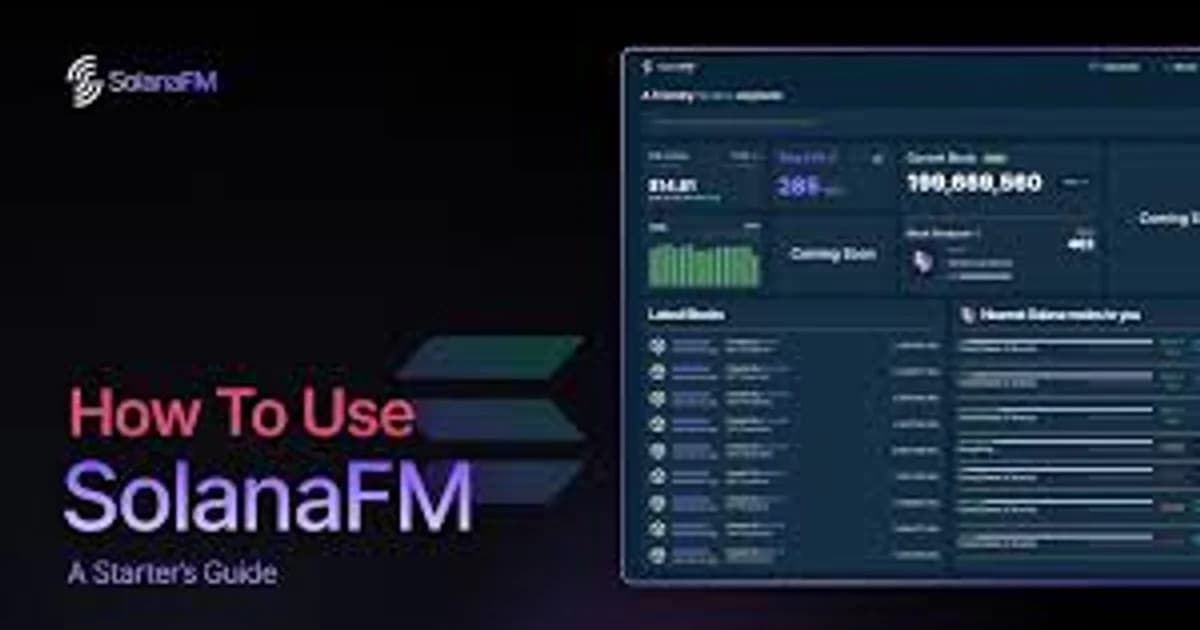
SolanaFM positions itself as a more developer and analyst-oriented explorer with unique features not found on Solscan.
Key Features
Transaction Flow Visualization: SolanaFM's standout feature is its visual transaction flow diagrams. Complex transactions are rendered as flowcharts showing how tokens moved between accounts. This makes it much easier to understand multi-hop transactions where tokens flow through several programs.
Program Analysis: Deep program (smart contract) analytics including:
- Program usage statistics (calls per day, unique users)
- Program IDL parsing (if available)
- Historical activity trends
- Cross-reference which programs interact with each other
Account Explorer: Like Solscan, but with additional data layers:
- Account ownership and creation date
- Data size and rent information
- Program-derived addresses (PDAs) are clearly labeled
Block Data: Detailed block information including slot leader, transaction count, rewards, and timing data. More comprehensive than Solscan for block-level analysis.
Indexer Quality: SolanaFM runs its own indexer (rather than relying on third-party data) which sometimes catches data that other explorers miss, particularly for newer or less common programs.
Strengths
- Superior transaction flow visualization
- Better program/smart contract analytics
- More detailed block-level data
- Strong developer documentation
- Good at decoding custom program instructions
Weaknesses
- UI can feel slower than Solscan
- Smaller account label database
- Less token-focused analytics compared to Solscan
- Smaller community (fewer how-to resources available)
Best For
Developers analyzing program interactions, analysts investigating complex multi-step transactions, anyone who needs to understand how tokens flow through a complex DeFi operation.
Solana Explorer
Solana Explorer is the official explorer maintained by Solana Labs / the Solana Foundation. It's the most basic of the three but serves an important role.
Key Features
Raw Transaction Data: Solana Explorer provides the most detailed raw transaction output. Every instruction, inner instruction, log message, and program invocation is displayed. For developers debugging a failed transaction, this level of detail is essential.
Network Statistics: Real-time network stats including:
- TPS (transactions per second)
- Current slot and epoch
- Validator count and stake distribution
- Network performance metrics
Devnet/Testnet Support: Unlike Solscan and SolanaFM which primarily focus on mainnet, Solana Explorer works seamlessly with devnet and testnet. Switch networks with a dropdown — essential for developers testing programs.
Validator Information: Detailed validator stats, stake accounts, and epoch performance. More comprehensive than what other explorers offer for staking-related data.
Anchor IDL Integration: If a program has published an Anchor IDL, Solana Explorer can decode instructions using it, making custom program transactions somewhat readable.
Strengths
- Most detailed raw transaction data
- Best devnet/testnet support
- Official source (guaranteed accuracy)
- Best validator and staking data
- No rate limits on the web interface
Weaknesses
- Minimal transaction decoding (many transactions show as raw instructions)
- No token analytics or holder data
- Basic UI with no advanced features
- No account labeling
- Not useful for casual exploration
Best For
Developers debugging transactions on mainnet/devnet/testnet, validators monitoring their performance, and anyone who needs raw, unprocessed on-chain data.