Squads is not a conventional single-signer personal wallet -- it is a programmable multisig/smart-account product for teams, DAOs, and treasuries. Its current app supports up to 10 initial members, configurable approval thresholds, and Ledger signers through wallets such as Phantom or Solflare; direct "Ledger Connect" is not supported in the current creation flow. Creating a Squad carries a one-time 0.1 SOL deployment fee plus small account funding and network rent (about 0.001 SOL and ~0.0018 SOL), so deployment is not literally free.
What Makes Squads Stand Out
Squads lets you create a wallet that requires multiple signatures to execute transactions. You define how many approvals are needed (e.g., 2 of 3 signers, 3 of 5 signers), and no single person can move funds unilaterally. This is essential for project treasuries, team payroll, and any scenario where trust needs to be distributed.
The current Squads product supports treasury operations such as spending limits that let trusted members move a configured token amount within a defined time window without requiring full approval on every payment. Squads also supports roles/permissions and more structured smart-account workflows than a basic M-of-N wallet.
Squads also integrates with program upgrades, allowing teams to manage Solana program authority through multisig. This prevents a single developer from pushing malicious updates to a deployed program.
Security
Multisig is inherently more secure than single-signer wallets because compromising one key is not enough to steal funds. Individual signers can use Ledger hardware wallets for their personal keys, adding another layer of protection. Squads is purpose-built for shared control and has become core Solana treasury infrastructure. Rather than relying on a hard-coded TVL/security figure that can age quickly, evaluate the current deployment, audits and signer policy before moving a treasury.
Limitations
Squads is overkill for personal use. The multisig approval process adds friction to every transaction, which is the point for shared treasuries but impractical for daily swapping and trading. You will still need a personal wallet like Phantom or Solflare alongside Squads.
Hot Wallet vs Hardware Wallet: What You Need to Know
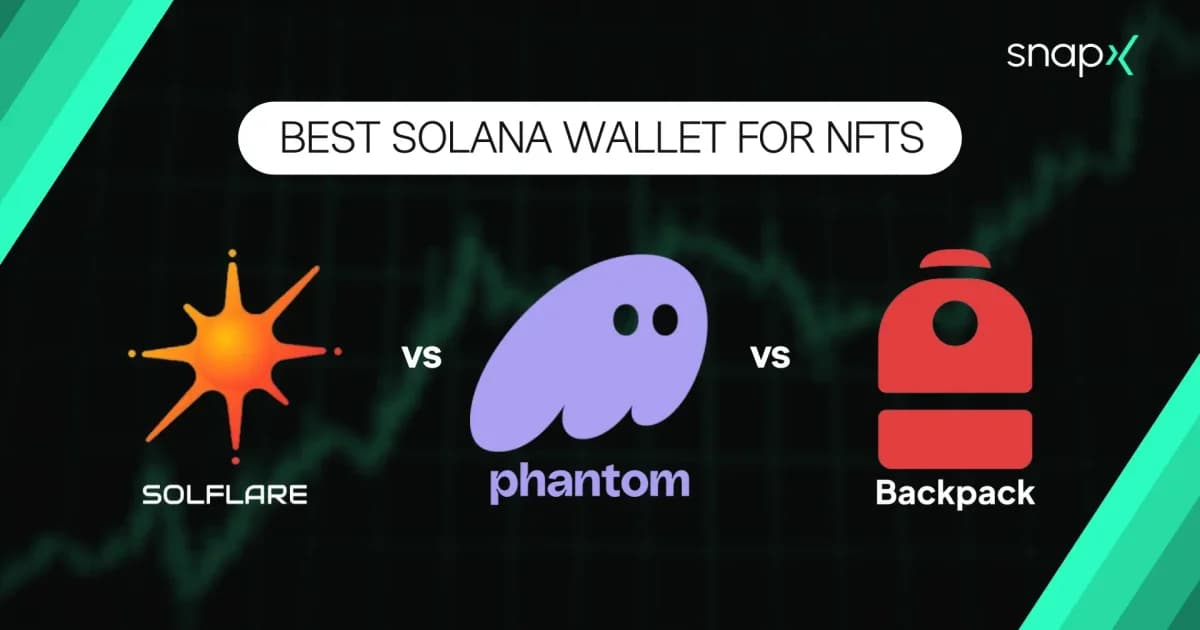
Phantom, Solflare and Backpack can all be used as software wallets, while also supporting hardware-backed signing (Backpack additionally supports Trezor and Keystone). TipLink is a link-based transfer/onboarding product, and Squads is a multisig/smart-account workflow, so forcing all five into a simple "hot wallet" bucket is misleading.
For significant holdings, hardware-backed signing reduces the exposure of the signing key to an internet-connected device. Phantom and Solflare support Ledger; Backpack supports Ledger, Trezor and Keystone. The exact workflow varies by wallet and hardware device.
A practical setup for most users: keep a small amount in your hot wallet for daily activity and store the bulk of your portfolio on a Ledger-connected account.
Which Wallet Should You Choose?
The right wallet depends on what you are doing on Solana:
- General multi-chain use: Phantom offers broad dApp support and now spans Solana plus several EVM networks and Bitcoin.
- Solana-first staking/power use: Solflare stays focused on Solana, with staking, perps, hardware wallets and portfolio controls.
- Hardware-backed active trading: Backpack supports Ledger, Trezor and Keystone while integrating closely with its trading ecosystem.
- Onboarding and gifting: TipLink is built around sending crypto through a shareable link to someone who may not have a wallet yet.
- Teams and treasuries: Squads is a dedicated Solana multisig/smart-account workflow with approval policies and spending limits.
Most experienced Solana users end up using more than one wallet. A common setup is Phantom for daily use, Ledger for cold storage, and Squads for any shared funds. The important thing is matching your wallet to your actual needs rather than defaulting to whatever is most popular.
Explore the full list of Solana wallets and security tools on MadeOnSol to find additional options that fit your workflow.
For the raw feature table — hot vs hardware, staking support, and multi-chain coverage across 12 wallets — see our wallet comparison.
FAQ
What is the best Solana wallet?
It depends on your use: Phantom and Solflare are the most popular browser and mobile wallets with built-in swap and staking; Backpack is favored by active traders; and a hardware wallet like Ledger is best for securing large balances. Many users hold a software wallet for daily use plus a hardware wallet for cold storage.
Are Solana wallets free?
Software wallets such as Phantom, Solflare, and Backpack are free to download and use — you only pay Solana's tiny network fees when you transact. Hardware wallets like Ledger cost money because you're buying a physical device.
What's the difference between a hot wallet and a hardware wallet?
A hot (software) wallet keeps your keys on an internet-connected device — convenient but more exposed. A hardware wallet stores keys offline on a dedicated device and signs transactions on-device, so the keys never touch the internet. Use hot wallets for daily activity and hardware for long-term holdings.
How do I keep my Solana wallet safe?
Never share your seed phrase, store it offline, and treat anyone asking for it as a scammer. Use a hardware wallet for significant funds, verify every transaction before signing, revoke unused token approvals, and bookmark official sites to avoid phishing.
Can I use the same wallet across devices?
Yes — your wallet is defined by its seed phrase, so you can restore the same wallet on another device by importing that phrase. Guard the phrase carefully, since anyone who has it controls the wallet.
Once your wallet is set up, see our comparisons of Solana lending protocols and token launchpads for what to actually do with it.
September 2026 verification notes
This refresh corrected the biggest drift in the original wallet comparison: Backpack does support hardware wallets (Ledger, Trezor and Keystone), Solflare supports Ledger and Keystone, and Phantom now supports substantially more networks than the older Solana/Ethereum/Polygon/Bitcoin list.
Sources: Phantom supported networks, Solflare essentials, Solflare hardware security, Backpack hardware-wallet support, TipLink docs, and Squads spending limits.