Security Best Practices
Signer Key Distribution
- Geographic distribution: Signers should be in different physical locations
- Device distribution: Each signer should use a different device/wallet setup
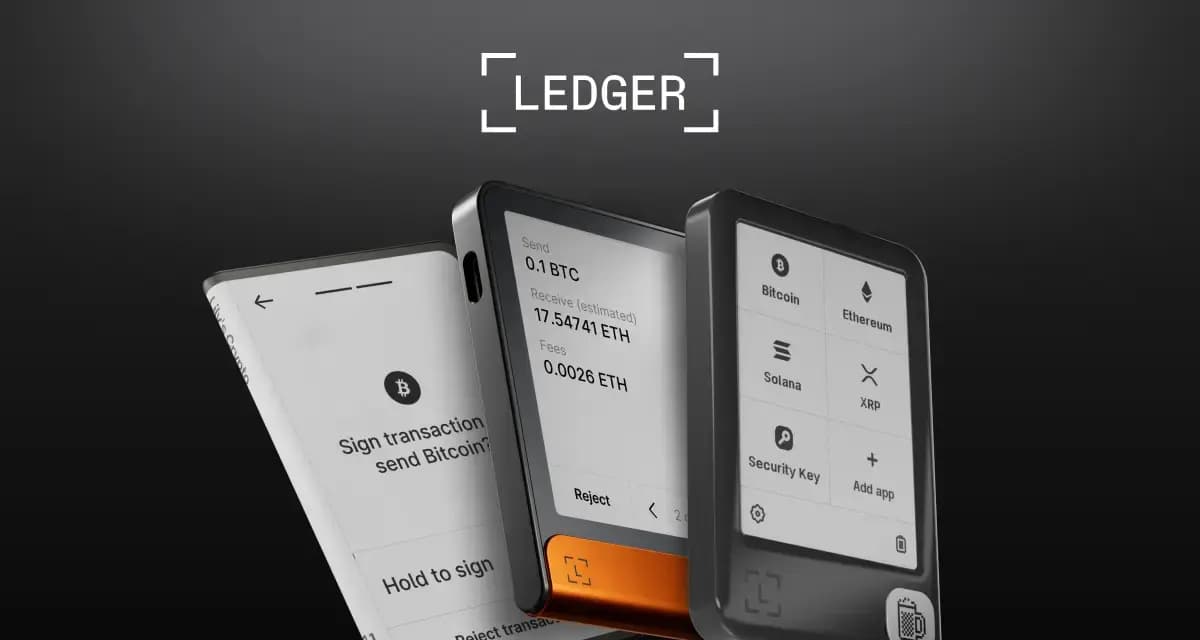
- Hardware wallets: At least some signers should use hardware wallets (Ledger or Keystone via Solflare)
- No shared access: Never share seed phrases between multisig members
Threshold Selection Guide
| Team Size | Recommended Threshold | Use Case |
|---|
| 2 people | 2-of-2 | Maximum security, risk of lockout |
| 3 people | 2-of-3 | Good balance, one key can be lost |
| 5 people | 3-of-5 | Resilient, handles two compromised keys |
| 7+ people | 4-of-7 or 5-of-9 | Large DAOs, maximum redundancy |
Emergency Procedures
Plan for these scenarios before they happen:
- Lost key: If a member loses access, the remaining members should immediately create a new multisig, transfer funds, and remove the lost key as a signer
- Compromised key: Same as lost key, but with more urgency. Execute the migration before the attacker can attempt to collude with another compromised signer
- Dispute between members: Your threshold should always be set so that no single faction can unilaterally control funds
Operational Security
- Never discuss multisig details (addresses, member identities, thresholds) in public channels
- Use encrypted communications for coordinating approvals
- Regularly audit pending transactions — any unexplained proposals could indicate a compromised key
- Review signer list quarterly and remove inactive members
Common Mistakes to Avoid
Setting the threshold too low: A 1-of-3 multisig is essentially a single-signer wallet with extra steps. If your goal is security, the threshold must require multiple independent approvals.
Not testing first: Before sending large amounts, create a test multisig with a small SOL balance. Practice creating, approving, and executing transactions. Make sure every signer knows how to use the interface.
Losing access to enough keys: A 3-of-5 multisig where three signers lose their keys means the funds are permanently locked. Ensure signers have proper backup procedures for their individual wallets.
Using the multisig address for airdrops/claims: Some airdrop mechanisms require signing a message, which a multisig cannot do in the traditional way. Check compatibility before using your multisig address for claim-eligible activities.
Ignoring member changes: When a team member leaves, immediately initiate a signer rotation. Don't leave departed members as active signers.
Squads vs. Other Options
Squads is the dominant multisig on Solana, but alternatives exist:
- Realms (SPL Governance): More suited for full DAO governance with token-weighted voting. Heavier and more complex than a simple multisig.
- Custom multisig programs: Some teams build their own. This is generally a bad idea unless you have audited smart contract engineers — the risk of bugs far outweighs any customization benefits.
For most teams, Squads is the right choice. It's audited, battle-tested, and has the widest ecosystem support. For a fuller head-to-head — including when Realms or a manual setup makes more sense — see our best Solana multisig wallets comparison.
Final Thoughts
Setting up a Squads multisig takes 10 minutes. Recovering from a compromised single-signer wallet takes forever — if recovery is even possible.
If you're managing any meaningful amount of funds on Solana as a team, Squads should be your first infrastructure decision, not an afterthought. Combined with good wallet security practices and proper key management, a multisig dramatically reduces your attack surface.
Start with a test vault, get comfortable with the approval workflow, and then migrate your real treasury. Your future self will thank you when the next wave of phishing attacks hits and your funds stay exactly where they should be.
FAQ
What is Squads?
Squads is a multisig (multi-signature) wallet and smart-account platform on Solana for teams and individuals who want shared, policy-controlled custody. Instead of one key controlling funds, a multisig requires a set number of approvers (for example 2 of 3) to sign a transaction before it executes.
Why use a multisig wallet?
A multisig removes the single point of failure of one private key: no individual can move funds alone, and losing one key doesn't lose the wallet. It's standard for treasuries, DAOs, and teams, and increasingly used by individuals who want extra protection for large holdings.
How do I set up a Squads multisig?
Create a Squad, add the member wallet addresses that will be signers, and set the approval threshold — how many signatures are required. From then on, transactions are proposed, approved by the required number of members, and then executed on-chain.
What is a signing threshold?
The threshold is how many of the configured members must approve a transaction for it to go through — for example "2 of 3" means any two of three members must sign. A higher threshold is more secure but less convenient; choose based on your team size and risk.
Is Squads safe for treasury management?
Multisig is a well-established security model and is widely used for Solana treasuries. As with any smart-account platform, security also depends on the underlying audited programs and on members keeping their individual keys safe. Configure a sensible threshold and keep signer keys on separate, secure devices.
How does Squads fit into a DAO's governance stack?
Many DAOs pair Squads with Realms: a council multisig on Squads handles day-to-day operations while token holders vote on major decisions through community governance. Our Solana DAO tools and governance guide walks through combining the two, and our governance voting guide covers how to actually cast a vote once a DAO is live.
September 2026 refresh
Squads remains active. We removed the hard-coded "$10B secured" figure because it is a moving marketing counter, not an evergreen setup fact. A useful current feature that deserves more attention is Spending Limits: a multisig can allow a member to spend a configured amount of a token over a defined interval without gathering the full threshold for every small transaction. The approval threshold still protects operations outside that allowance.
Source: Squads Spending Limits.