Your choice of wallet shapes your entire Solana experience. It determines how much you pay on swaps, which chains you can access, how you manage NFTs, and how secure your assets are. The three wallets that dominate the Solana ecosystem in 2026 are Phantom, Solflare, and Backpack.
Each takes a meaningfully different approach. Phantom is the mainstream choice with the largest user base. Solflare is the Solana-native wallet focused on power features and lower fees. Backpack combines a wallet with a full exchange. This guide compares them across every dimension that matters so you can choose the one that fits how you actually use Solana.
Quick Comparison Table
| Feature | Phantom | Solflare | Backpack |
|---|
| Swap Fee | ~0.85% | 0% platform fee (Jupiter) | Exchange rates, ~0.1% |
| Built-in Swaps | Yes (own router) | Yes (Jupiter-powered) | Yes (built-in exchange) |
| Multi-chain | Solana, Ethereum, Base, Polygon, Bitcoin, Robinhood Chain, HyperEVM | Solana only | Solana, Ethereum, Optimism, Arbitrum, Polygon, Base, Sonic |
| Browser Extension | Chrome, Firefox, Brave, Edge | Chrome, Firefox, Brave | Chrome |
| Mobile App | iOS, Android | iOS, Android | iOS, Android |
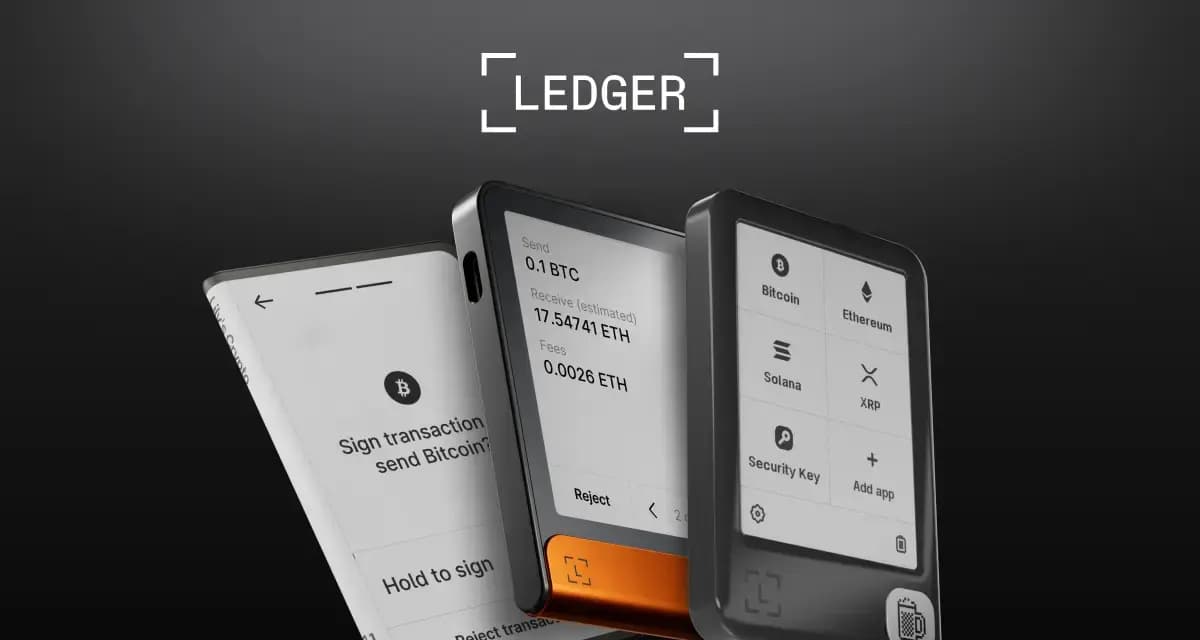
| Hardware Wallet | Ledger | Ledger + Keystone | Ledger + Trezor + Keystone |
| Staking | Native + liquid staking | Native + liquid staking + validators | Native staking |
| NFT Gallery | Full gallery with listings | Full gallery | Full gallery |
| Open Source | No | Yes | Yes (xNFT framework) |
| Priority Fees | Auto-adjusting | Manual + auto | Auto |
| Transaction Simulation | Yes | Yes | Yes |
User Interface and Experience
Phantom
Phantom has the most polished consumer-facing interface of the three. The wallet is designed around simplicity: large buttons, clear token balances, and an activity feed that shows your transaction history in plain language. Swaps, sends, and staking are all accessible from the main screen.
The learning curve is minimal. New users can set up a wallet, receive SOL, and start swapping tokens within minutes. Phantom has invested heavily in making crypto feel approachable, and it shows. The downside is that some advanced features are buried or simplified to the point where power users want more control — our dedicated Phantom wallet guide digs into the setup, swaps, and hidden features most users never find.
Solflare
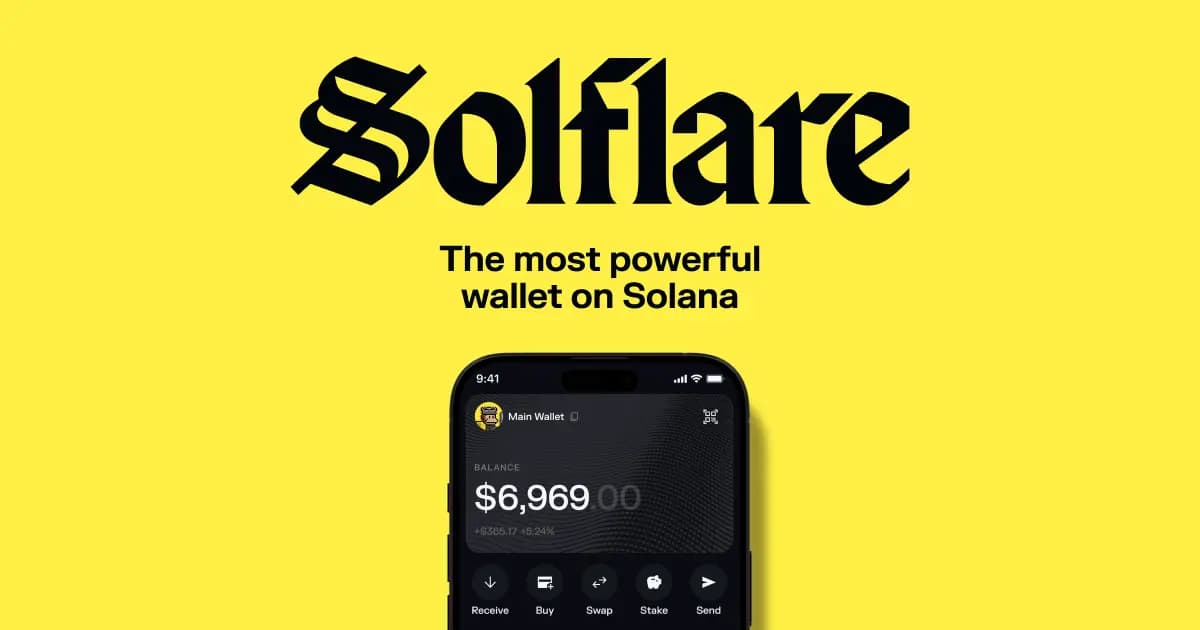
Solflare's interface is slightly more utilitarian than Phantom's, but it exposes more information by default. You get a clearer view of your portfolio breakdown, token accounts, and staking positions from the main dashboard.
Where Solflare stands out is in the details. The swap interface shows you the exact route your trade will take through Jupiter's aggregator, the price impact, and the fees. The staking interface lets you choose specific validators and shows detailed APY breakdowns. If you want to understand exactly what is happening with your transactions, Solflare gives you that visibility.
Backpack
Backpack's interface is unique because it blends wallet and exchange functionality. The home screen shows your wallet balances alongside exchange balances, and you can move assets between the two seamlessly. The design is clean and modern, though slightly more complex than Phantom because of the dual wallet/exchange paradigm.
Backpack was built by the team behind Coral (the creators of the Anchor framework), and the wallet was originally designed around "xNFTs" -- executable NFTs that function as apps within the wallet. While the xNFT concept has evolved, the app-like experience remains, with features embedded directly into the wallet that you would normally need separate dApps for.
Swap Fees: The Biggest Practical Difference
This is where the wallets diverge most, and where the choice has real financial impact.
Phantom: ~0.85% Platform Fee
Phantom routes swaps through its own aggregation layer and charges approximately 0.85% as a platform fee on top of the standard DEX fees and network costs. For casual users making occasional swaps, this is barely noticeable. But for active traders doing multiple swaps per day, these fees compound significantly.
If you swap $1,000 worth of tokens per day through Phantom, you are paying roughly $8.50 in platform fees daily, or over $250 per month. That is a real cost.
Solflare: 0% Platform Fee
Solflare integrates Jupiter directly as its swap engine and charges zero platform fee on top. You pay only the underlying DEX swap fees (typically 0.25-0.3% depending on the pool) and Solana network fees. This makes Solflare the cheapest option for in-wallet swaps by a significant margin.
Jupiter's aggregation also means you get optimized routing across all major Solana DEXs, often resulting in better prices than Phantom's router for less liquid tokens.
Backpack: Exchange-Level Fees
Backpack's swap functionality is tied to its built-in exchange. For spot trading on the exchange, fees are typically around 0.08% for makers and 0.1% for takers (lower at higher 30-day volume), which is competitive with centralized exchanges. However, simple in-wallet swaps may route differently. The exchange integration means you can access order books and limit orders directly from your wallet, which is something neither Phantom nor Solflare offers natively.
The Verdict on Fees
If you are an active trader, the fee difference between Phantom and Solflare alone is a strong argument for using Solflare for your swaps. Over a year of regular trading, the savings can easily reach hundreds or thousands of dollars.
Staking Support
All three wallets support SOL staking, but the depth of staking features varies.
Phantom
Phantom offers native SOL staking directly in the wallet. You can browse a list of validators, see their APY and commission rates, and delegate your SOL with a few taps. Phantom also supports liquid staking tokens like JitoSOL, mSOL, and bSOL -- you can swap into these directly from the wallet.
The staking interface is clean but does not offer much detail on validator performance, uptime history, or network decentralization metrics.
Solflare
Solflare has the most comprehensive staking experience. You can stake natively with any validator, split your stake across multiple validators, and access detailed performance metrics for each. Solflare also shows you the impact of your staking choices on network decentralization, which matters for the health of the Solana network.
Liquid staking tokens are fully supported, and Solflare integrates staking recommendations that help you identify high-performing validators with reasonable commissions.
Backpack
Backpack supports native SOL staking with a straightforward interface. It is functional but less detailed than Solflare. The staking experience is adequate for most users but is not the wallet's primary focus.
NFT Support
Phantom
Phantom's NFT gallery is well-designed, displaying your NFTs in a visual grid with collection grouping. You can view metadata, send NFTs to other wallets, and list them on marketplaces like Magic Eden directly from the wallet. Phantom also supports burning NFTs and closing token accounts to reclaim the SOL rent.
Phantom was the first Solana wallet to make NFTs feel like a first-class citizen alongside fungible tokens, and its gallery remains one of the best.
Solflare
Solflare offers a similar NFT gallery with collection sorting, metadata viewing, and transfer capabilities. The experience is comparable to Phantom's, though Phantom's gallery tends to load and render faster with large collections.
Backpack
Backpack's NFT support ties into its xNFT heritage. The gallery displays standard NFTs and also supports executable NFTs that can run as apps within the wallet. For standard NFT management (viewing, sending, listing), Backpack is on par with the other two wallets.