Best Solana Trading Dashboards: Where Pro Traders Watch the Market (2026)
Compare the best Solana trading dashboards for real-time charts, wallet tracking, token discovery, and market analysis. Covers Birdeye, DEXScreener, GMGN, and more.
MadeOnSol··Updated · 11 min read
Disclosure: This article contains affiliate links. If you sign up through them, MadeOnSol may earn a commission at no extra cost to you. This never affects our rankings, ratings, or reviews.
Building a product on Solana or Robinhood Chain data?
Skip the Geyser pipeline — embed KOL flow, deployer reputation, and the all-DEX firehose over REST, WebSocket, or webhooks. The Business tier (€400/mo) is the self-serve embed license at 500k calls/day — Enterprise adds white-label & redistribution.
Cielo Finance is a wallet tracking dashboard. Create watchlists of wallets and monitor their activity in real time — every swap, transfer, and program interaction.
Best for: Tracking specific wallets (whales, insiders, smart money), copy-trading research
Step Finance — Shut Down February 2026
Step Finance was a portfolio dashboard that aggregated Solana positions across DEXs, lending protocols, and liquidity pools before shutting down in February 2026. It is less about active trading and more about understanding your overall exposure.
Historical best fit: portfolio oversight and DeFi position management before shutdown; use Jupiter Portfolio or another active tracker today
Defined provides institutional-grade analytics for Solana tokens. Its API and dashboard offer deeper data than most consumer-facing tools, including real-time streaming, advanced filtering, and historical data.
Best for: Quantitative analysis, API-driven trading strategies, historical data research
Building a product on Solana or Robinhood Chain data?
MadeOnSol isn't an RPC or another generic token API — it's Solana & Robinhood Chain memecoin intelligence that's painful to build in-house, pulled from dual-region gRPC shred streams and our own Robinhood Chain node, pushed to your app as events land.
Signals you'd otherwise build
KOL & smart-money flow from 2,000+ labeled wallets, deployer reputation, coordination clusters, linked-wallet entity resolution, and an all-DEX firehose.
Embed it in your product
The Business tier (€400/mo, self-serve) licenses you to display MadeOnSol data inside your own product — 500k calls/day, 15 WS + 6 firehose connections. Enterprise above adds white-label & redistribution rights and custom endpoints.
Evaluate first, commit later
Test everything on a free ULTRA key — no commitment. If it fits, we scope volume or white-label pricing.
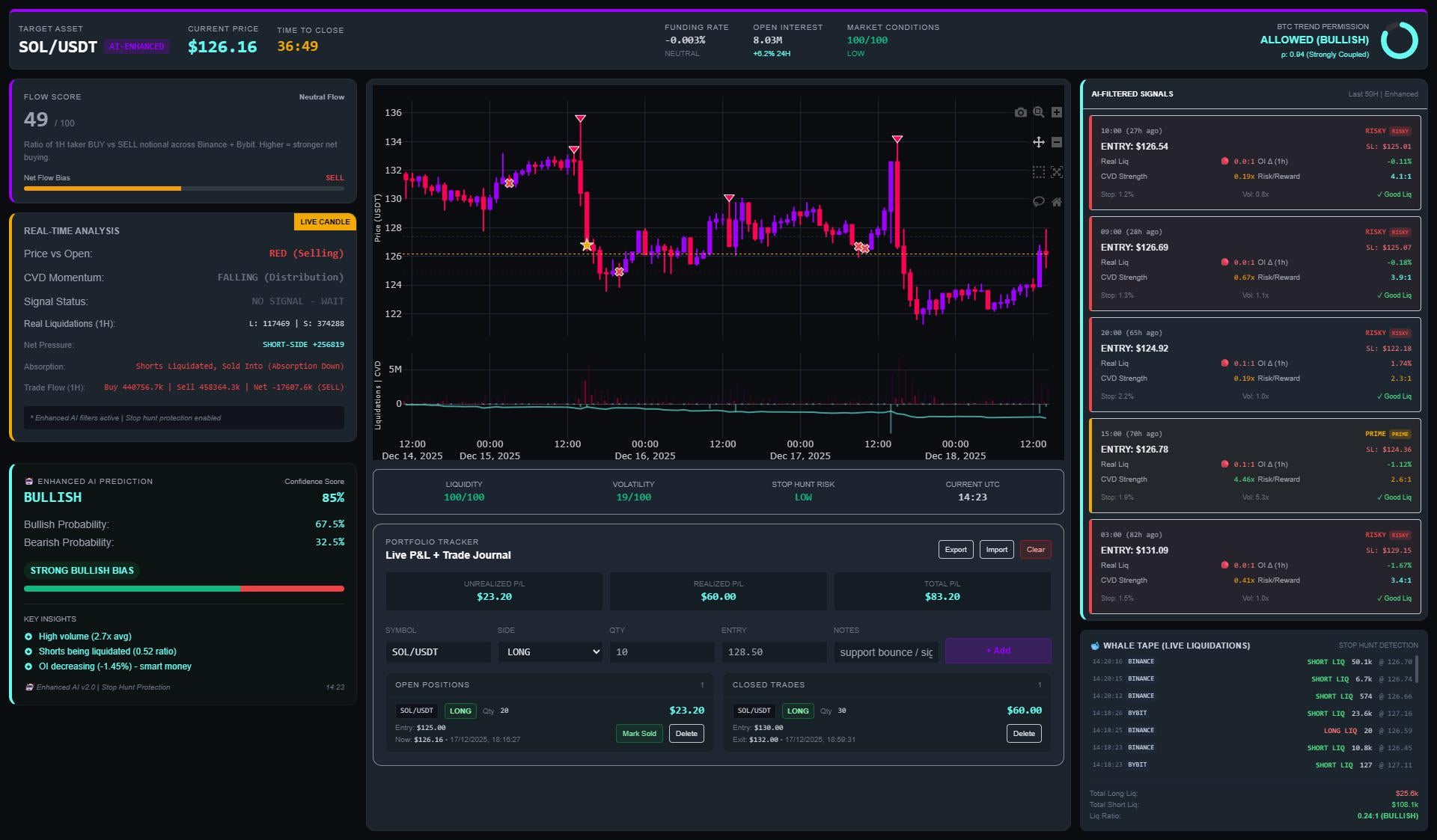
The dashboard you trade from shapes the information you see, the speed at which you see it, and ultimately the decisions you make. Solana's trading ecosystem has evolved beyond simple swap interfaces into comprehensive dashboards that combine real-time charts, wallet analytics, token discovery feeds, and trade execution in a single view.
This guide compares the best Solana trading dashboards available in 2026, breaks down what each one excels at, and helps you choose the right setup for your trading style.
What Makes a Great Trading Dashboard?
Before comparing specific tools, here is what separates professional-grade dashboards from basic ones:
Data freshness: Are prices updating in real-time or on a delay? For active trading, sub-second updates matter.
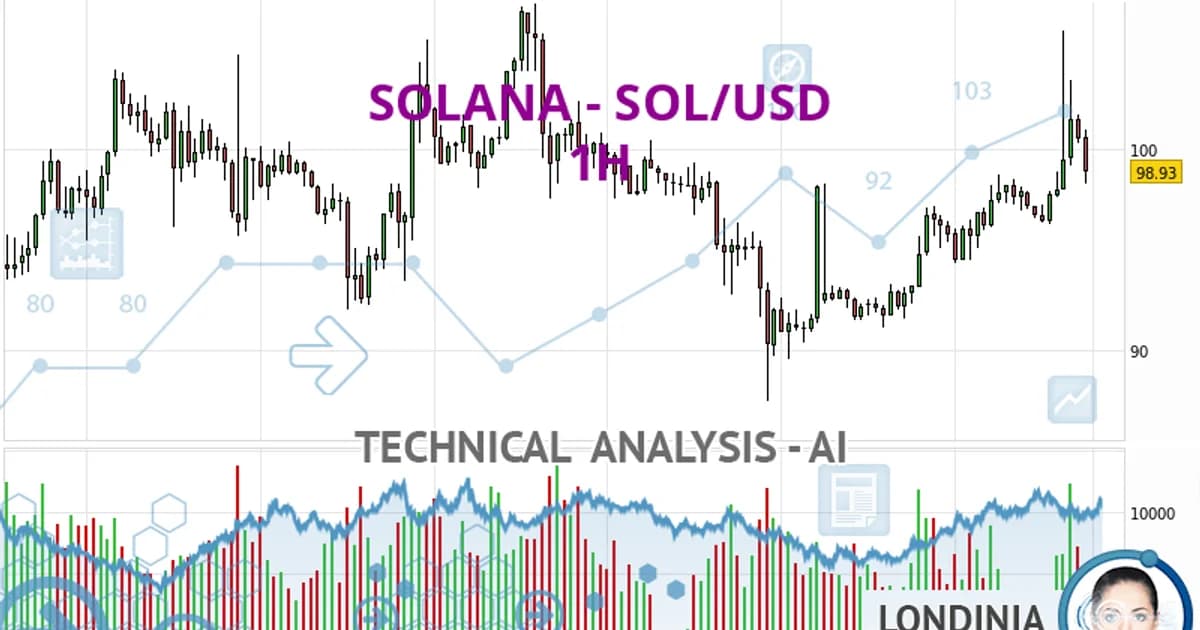
Chart quality: TradingView-style charts with indicators, drawing tools, and multiple timeframes are essential — and worth little if you can't read them, which is what our guide to reading Solana token charts is for.
Token discovery: Can you find new tokens before they trend, or are you only seeing what is already popular?
Wallet intelligence: Does the dashboard show who is buying and selling, not just price and volume?
Execution integration: Can you trade directly from the dashboard, or do you need to switch to another tool?
Customization: Can you configure the layout, alerts, and filters to match your specific strategy?
Tier 1: Full-Featured Trading Dashboards
These are the dashboards where most active Solana traders spend their screen time.
DEXScreener
DEXScreener is the most widely used token screening tool across all chains, and its Solana support is best-in-class. The core strength is its trending and discovery features — when a token starts getting attention, it shows up on DEXScreener first.
Best for: Token discovery, trending analysis, quick token evaluation
Key features:
Real-time price charts with TradingView integration
Multi-chain support with Solana-specific filtering
Trending tokens by volume, transactions, and price change
Moonshot launchpad integration for new token discovery
Watchlist with price alerts
Pair explorer showing all available pools for a token
Limitations:
No built-in trade execution (you need to connect a wallet or use another tool to swap)
Wallet tracking is limited compared to specialized tools
The trending feed can be noisy — lots of low-quality tokens appear alongside legitimate ones
Pro tip: Use DEXScreener's advanced filter to narrow the trending feed. Filter by minimum liquidity ($10K+), minimum holder count (100+), and minimum age (1h+) to filter out the obvious rugs.
Birdeye has positioned itself as the Bloomberg Terminal of Solana. It combines token analytics, wallet tracking, and portfolio management into a comprehensive dashboard.
Best for: Deep token analysis, wallet tracking, portfolio overview
Key features:
Real-time charts with on-chart trade markers showing large buys/sells
Token analytics including holder distribution, top traders, and smart money flow
API access for developers building on top of Birdeye's data
Token comparison tools
Limitations:
The free tier is limited — many advanced features require a paid plan
Can feel overwhelming for new traders due to the density of information
Slower token listing speed compared to DEXScreener for brand new tokens
Pro tip: Birdeye's "Top Traders" tab on each token page shows which wallets are making the most profit. Follow the wallets with consistent positive PnL, not just the ones with the biggest single wins.
GMGN has become the go-to dashboard for memecoin traders who prioritize wallet intelligence over traditional charting. Its strength is showing you who is buying and selling, with rich context about each wallet's history.
Best for: Smart money tracking, early token detection, wallet analysis
Key features:
Real-time new token feed with sniper and insider detection
Wallet profiling — win rate, average return, trading frequency for any wallet
Smart money alerts showing when high-PnL wallets buy or sell
Token holder analysis with insider clustering
Copy-trading features based on wallet performance data
Dev wallet monitoring with sell alerts
Limitations:
Charts are functional but less feature-rich than DEXScreener or Birdeye
Heavy focus on memecoins/Pump.fun — less useful for established DeFi tokens
Smart money labels can be gamed by sophisticated operators
Pro tip: GMGN's "Smart Money" feed is most useful when filtered by win rate (>55%) and trade count (>50). This eliminates lucky one-hit-wonder wallets and surfaces consistently profitable traders.
Tier 2: Trading Frontends with Dashboard Features
These tools started as trade execution platforms but have evolved into feature-rich dashboards.
BullX — Historical / Trading Suspended
Before trading was suspended, BullX blurred the line between trading frontend and analytics dashboard. It combines a clean trading interface with portfolio tracking, token scanning, and social signals.
Historical best fit: active traders who wanted analytics and execution in one place before BullX trading was suspended
Key features:
Integrated swap execution with limit orders, take-profit, and stop-loss
Portfolio dashboard showing all positions with real-time PnL
Token scanner with filters for age, liquidity, volume, holder count
Social signals integration showing Twitter/Telegram mentions
Multi-wallet support for managing positions across wallets
Axiom is the closest thing to a professional trading terminal on Solana. Its multi-panel layout lets you monitor multiple tokens simultaneously while executing trades.
Best for: Multi-token monitoring, rapid trade execution, advanced order types
Photon focuses on speed and simplicity. It is the fastest trading frontend for Pump.fun tokens, with trade execution that consistently ranks among the lowest latency on Solana.
Best for: Speed-critical trading, Pump.fun memecoins, rapid-fire entries and exits
Key features:
Sub-second trade execution
Clean, minimal UI focused on the current token
Quick-buy buttons for common amounts (0.1, 0.5, 1 SOL)
Position management with auto-sell configuration
Real-time bonding curve progress display for Pump.fun tokens
Ape Pro by DEXScreener combines the discovery features of DEXScreener with built-in trade execution. It is essentially DEXScreener with a wallet connected.
Best for: Traders who already use DEXScreener for discovery and want one-click execution
Analysis: Birdeye token analytics + Dune for protocol metrics
Execution: Jupiter Pro for optimal routing on larger swaps
Monitoring: Jupiter Portfolio or another active tracker; Step Finance is discontinued
The Quantitative Trader Stack
Data: Defined API for real-time streaming data
Analysis: Custom Dune dashboards for self-serve SQL; Flipside/Flipspace is historical after its June 2026 shutdown, while SonarX is the acquired data-business successor
Execution: Custom bots using Jupiter API
Monitoring: Birdeye API for portfolio valuation
Dashboard Settings That Matter
Regardless of which dashboard you use, these settings impact your trading effectiveness:
Chart timeframe defaults: Set your default chart timeframe to match your trading horizon. Memecoin scalpers should default to 1-5 minute charts. Swing traders should use 1-4 hour charts. Looking at the wrong timeframe leads to wrong decisions.
Alert thresholds: Configure price and volume alerts at levels that are actionable, not noisy. A 5% price alert on a memecoin that moves 20% hourly will just spam you. Set alerts at levels where you would actually change your position.
Filter presets: Save filter configurations for your most common token discovery workflows. Having to re-enter liquidity minimums, holder counts, and chain filters every time wastes time in a fast-moving market.
Final Thoughts
The best trading dashboard is the one that matches your trading style, provides the data you need at the speed you need it, and stays out of your way during execution. There is no single tool that does everything perfectly.
DEXScreener wins on discovery and breadth. Birdeye wins on analytical depth. GMGN wins on wallet intelligence. Axiom and other active terminals cover integrated execution; BullX is historical while trading remains suspended. The winning approach is combining two or three tools into a workflow that covers your blind spots.
Spend time configuring your dashboards before you need them. Set up watchlists, save filter presets, and familiarize yourself with keyboard shortcuts. In a market that moves as fast as Solana, the seconds you save on dashboard navigation translate directly into better entries and exits.
If DEXScreener specifically is the one you've outgrown, our DexScreener alternatives roundup matches its known gaps -- wallet tracking, smart money layers, copy trading -- to seven purpose-built replacements.
FAQ
Do I need paid plans for these dashboards?
For casual trading, free tiers are sufficient. DEXScreener and GMGN are free with full core functionality. Birdeye's free tier covers basic analytics, but advanced wallet tracking and API access require paid plans. Active trading frontends such as Axiom may be free to access while charging per-trade fees (typically 0.5-1%). If you trade actively, the paid tiers usually pay for themselves through better data and faster execution.
Which dashboard has the fastest data for new token detection?
GMGN and Photon are typically the fastest for detecting new Pump.fun tokens, with sub-second latency from token creation to dashboard appearance. DEXScreener is close behind. Birdeye tends to be slightly slower for brand-new tokens but compensates with richer analytics once the token is listed.
Can I connect my wallet to multiple dashboards simultaneously?
Yes. Phantom, Solflare, and other Solana wallets can be connected to multiple dashboards at the same time. Each dashboard interacts with the blockchain through your wallet's approval — there is no exclusive connection. However, be aware that connecting your wallet to any third-party site carries inherent risk. Only connect to established, reputable dashboards.
How do I avoid information overload with multiple dashboards?
Focus on role separation. Use one dashboard for discovery (finding tokens to research), one for analysis (deep-diving into a specific token's metrics), and one for execution (actually trading). Do not try to use all features of all dashboards simultaneously. The goal is a clean information pipeline: discover, analyze, decide, execute.
September 2026 refresh
The dashboard landscape changed sharply. BullX trading is suspended and is kept only for historical/search context. Step Finance shut down in February 2026 after its treasury incident. Nansen's Solana analytics are now free, rather than a premium-only dashboard. GMGN is now multi-chain across its current trading/wallet surfaces, and Birdeye has expanded Smart Money/wallet intelligence on mobile and through its data API. DEXScreener remains an active real-time chart/screener product with watchlists, alerts and 60+ chain coverage, but it still should not be conflated with a dedicated copy-trading/wallet-intelligence platform.