Solana moves fast. Memecoins pump and dump in hours, DeFi yields shift by the minute, and major market events don't wait for you to sit at your computer. If you're serious about trading on Solana, you need a capable mobile setup.
This guide compares the main mobile trading options for Solana — Phantom, Jupiter Mobile, and Backpack — covering swap quality, speed, features, and which app is best for different trading styles.
Why Mobile Matters for Solana Trading
Desktop trading terminals such as Axiom are powerful, but they're not always accessible. You need mobile trading when:
- A token is pumping and you're away from your desk
- You need to close a position immediately (token dump, rug pull signs)
- You want to DCA or manage LP positions on the go
- Breaking news hits and you need to act within minutes
- You're monitoring positions and want quick adjustment capability
The quality gap between mobile and desktop Solana trading has narrowed significantly in 2026. Mobile apps now support Jupiter routing, priority fees, and even some MEV protection — features that were desktop-only a year ago. Many of these mobile-first apps are distributed through the Solana dApp Store, the censorship-resistant app marketplace on Solana Mobile devices.
Phantom is the most popular Solana wallet overall, and its mobile app is the most feature-complete wallet for mobile trading.
Trading Features
- Built-in swap: Phantom integrates Jupiter's routing engine, giving you access to the same liquidity and pricing as the Jupiter web app
- Priority fees: Adjustable transaction priority (low, medium, high, turbo) to control confirmation speed
- Token discovery: Browse trending tokens, new listings, and price charts without leaving the app
- Price alerts: Set alerts on any token and get push notifications
- Transaction simulation: Phantom simulates transactions before sending, warning you if a swap will fail or if you're interacting with a suspicious contract
DeFi & Beyond
- Staking: Stake SOL directly in the app to multiple validators and liquid staking providers
- NFTs: Full NFT gallery, marketplace browsing, and instant listing
- dApp browser: Access any Solana dApp through Phantom's in-app browser
- Multi-chain: Also supports Ethereum, Polygon, and Base (useful for cross-chain activity)
Strengths
- Best overall UX: Clean interface, fast loading, responsive
- Largest user base: Most dApps prioritize Phantom compatibility
- Security features: Biometric lock, transaction simulation, Blowfish scam detection
- Reliable push notifications: Price alerts and transaction confirmations work consistently
Weaknesses
- No advanced order types: No limit orders, stop losses, or DCA directly in the swap interface
- Chart quality: Basic price charts — not sufficient for technical analysis
- No portfolio P&L tracking: Shows balances but not your entry prices or profit/loss
Best For
Phantom is the best all-around mobile wallet for Solana users who want a single app for trading, DeFi, NFTs, and general wallet management. If you only install one app, make it Phantom.
Jupiter Mobile
Jupiter doesn't have a standalone mobile app, but the Jupiter web app (jup.ag) is fully optimized for mobile browsers and can be accessed through any wallet's dApp browser.
Trading Features
- Best swap routing: Jupiter is the definitive swap aggregator on Solana. It routes across all DEXes (Raydium, Orca, Meteora, PumpSwap, etc.) to find the optimal price
- Limit orders: Set limit orders that execute automatically when your target price is reached — a major advantage over wallet-native swaps
- DCA (Dollar Cost Average): Automated DCA that buys a token at regular intervals
- Perpetual trading: Access to Jupiter's perps platform for leveraged long/short positions
- Token list: Comprehensive token list with strict/all toggle for safety
Access on Mobile
- Open Phantom (or any mobile wallet)
- Use the in-app browser to navigate to jup.ag
- Connect your wallet
- Trade with full Jupiter features
Alternatively, use a mobile browser and connect via the wallet's browser extension (if supported on mobile).
Strengths
- Superior swap execution: Better routing = better prices than any wallet-native swap
- Limit orders and DCA: Features no mobile wallet offers natively
- Perps access: Long/short with leverage from your phone
- Always up-to-date: Web app updates instantly, no app store approval delays
Weaknesses
- Not a standalone app: Requires a wallet's dApp browser or mobile browser
- Slightly slower UX: Loading a web app in an in-app browser adds friction compared to a native app
- No push notifications: Since it's a web app, no native alerts
- Depends on wallet connection stability: Occasional disconnects in in-app browsers
Best For
Jupiter via mobile browser is the best option for traders who need limit orders, DCA, or perps on mobile. Use it when Phantom's basic swap isn't sufficient for your trading needs.
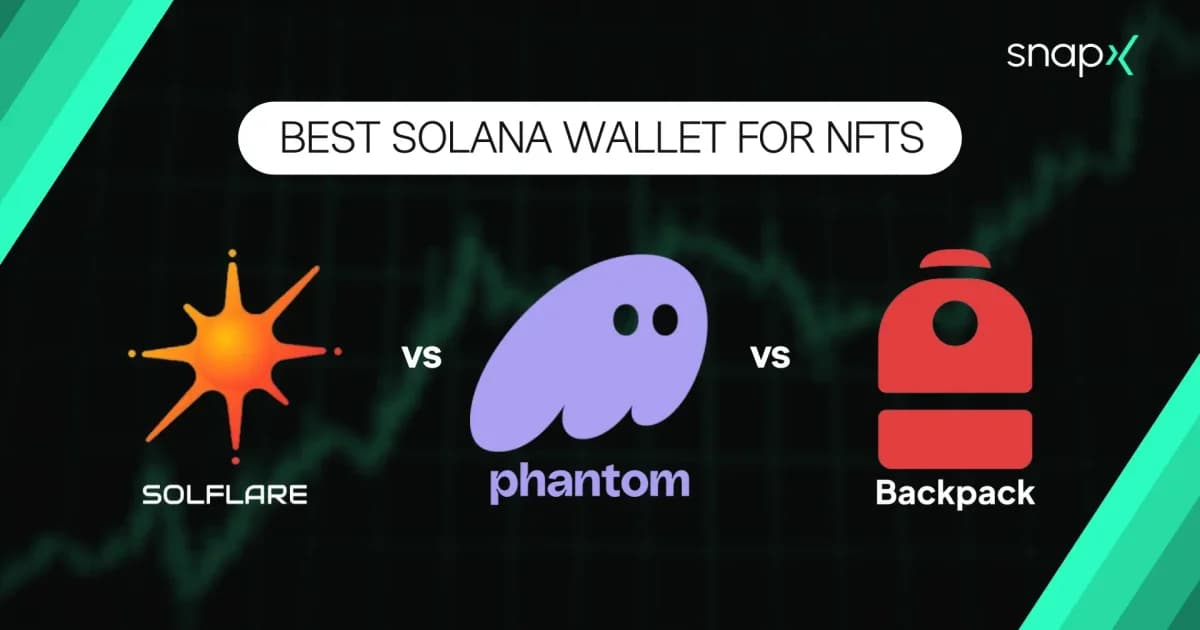
Backpack started as a Solana wallet focused on xNFTs (executable NFTs) and has evolved into a full wallet + exchange ecosystem. For a feature-by-feature look at how it stacks up against the other two as your main wallet, see our Phantom vs Solflare vs Backpack comparison.
Trading Features
- Integrated exchange: Backpack Exchange is built into the wallet, offering order book trading (not just AMM swaps)
- Swap functionality: Standard token swaps with Jupiter routing
- Cross-margin trading: If you use Backpack Exchange, your mobile wallet and exchange account are unified
- Borrow/lend: Integrated borrowing and lending
Strengths
- Exchange integration: The only mobile wallet where you can access a centralized order book directly. For traders who want limit orders with real order book depth, this is unique.
- Clean UI: Modern, well-designed interface
- Cross-platform: Desktop and mobile stay perfectly synced
Weaknesses
- Smaller ecosystem: Fewer dApps support Backpack wallet connect compared to Phantom
- Exchange requires KYC: Backpack Exchange features need identity verification
- Less mature: Fewer features than Phantom for general wallet tasks
Best For
Backpack is best for traders who use Backpack Exchange and want seamless mobile access to their exchange account alongside their on-chain wallet. Read our full Backpack Exchange guide for more details.
The most important thing is to actually set up your mobile trading before you need it. Install your wallet, configure priority fees, bookmark Jupiter, and do a test swap. When the next opportunity hits and you're away from your desk, you'll be ready.