Disclosure: OneKey sent us a Classic 1S to review. We weren't paid to write this, the verdict is entirely our own, and the OneKey links in this post are our referral links. We've actually been using the unit — storing SOL on it and staking through the app — so everything below is hands-on, not a spec-sheet rewrite.
Most "best hardware wallet" lists are written by people who never plugged the device in. This isn't that. We've had the OneKey Classic 1S in daily use as our Solana cold-storage setup, and the short version is: we're genuinely pleased with it. Here's the long version.
What the OneKey Classic 1S is
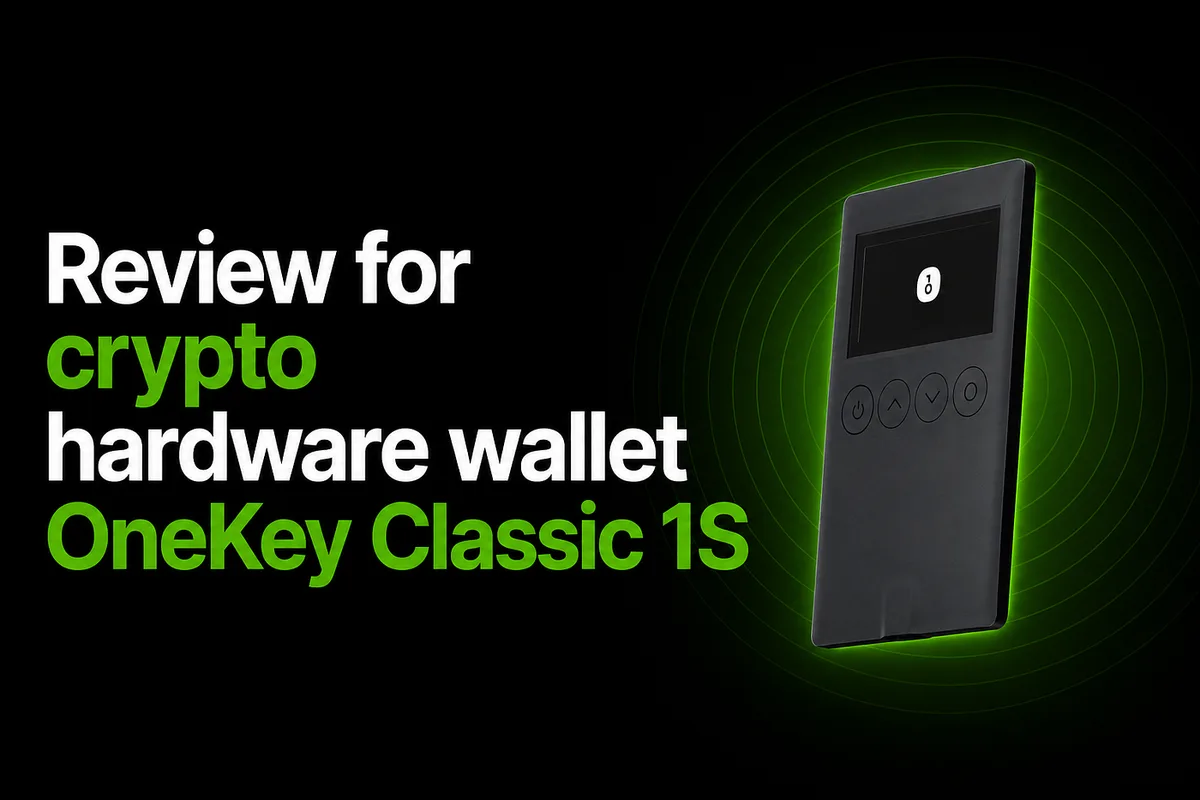
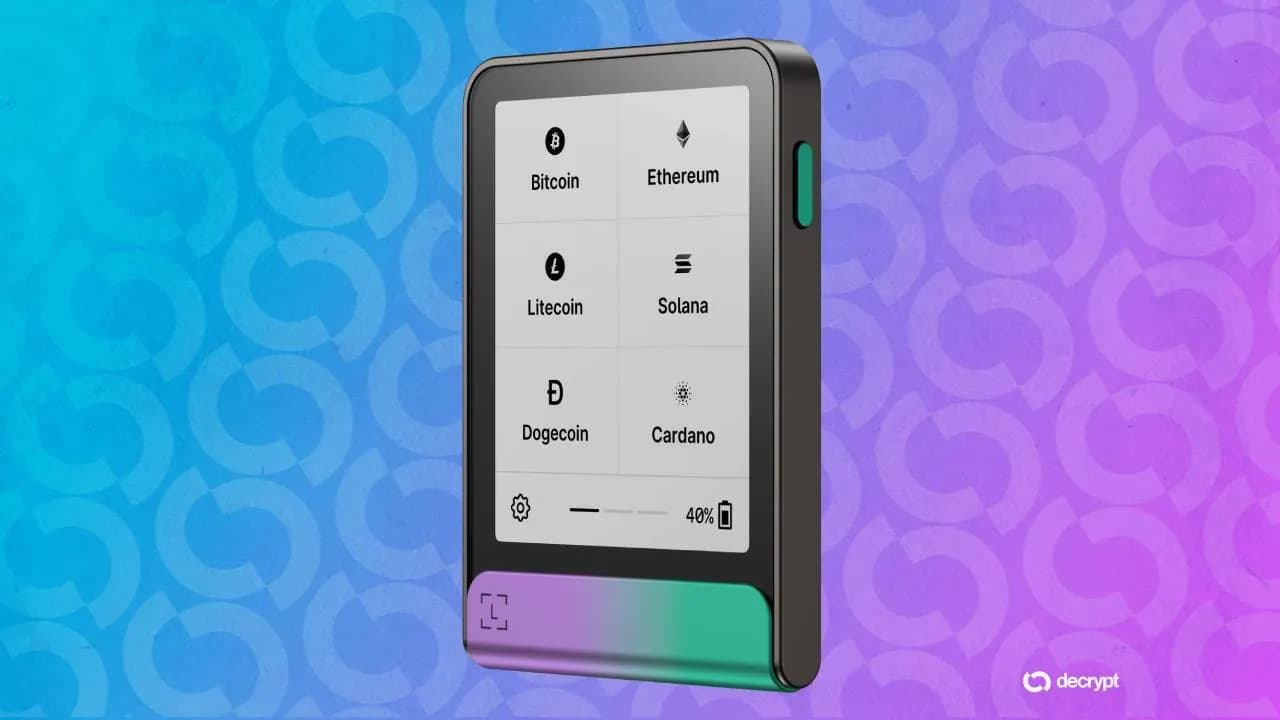
It's a credit-card-thin cold wallet that keeps your private keys on a dedicated chip that never touches the internet. The headline specs:
| Spec | OneKey Classic 1S |
|---|
| Price | $99 |
| Secure element | EAL6+ certified chip |
| Screen | 1.54" monochrome OLED, button navigation |
| Connectivity | USB-C and Bluetooth |
| Battery | Built-in 110 mAh |
| Coverage | 100+ chains, 30,000+ coins (Solana included) |
| Open source | Firmware and apps published on GitHub |
| App | macOS, Windows, Linux, iOS, Android, Chrome |
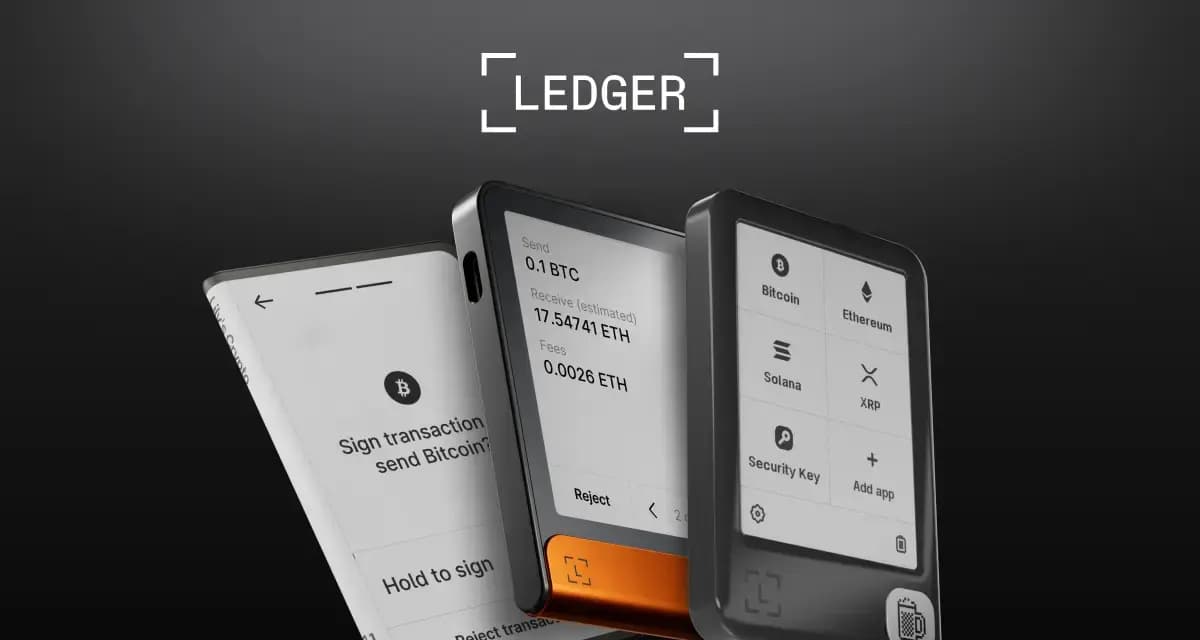
The EAL6+ secure element is the part worth dwelling on: it's the same security-certification tier as Ledger's chips, and OneKey pairs it with fully open-source firmware — a combination that's surprisingly rare. With most wallets you pick one or the other: Ledger's secure element with closed firmware, or Trezor's open firmware. OneKey gives you both.
Setup: genuinely easy
Setup was the smoothest part. The on-device prompts and the app walked through each step clearly — generate the recovery phrase, confirm it, set a PIN — with no guesswork. Two things stood out as done right:
- Firmware update first. Before doing anything else, the app prompted us to update the firmware, which is exactly the order you want (you don't want to initialise a wallet on stale firmware).
- Genuine-device verification. On first activation the device runs a firmware attestation check — it verifies the unit is running authentic, unmodified OneKey firmware and hasn't been tampered with or pre-initialised. For a hardware wallet that's the single most important first-boot check, and OneKey makes it automatic rather than a hidden menu item.
From unboxing to a funded, verified wallet took only a few minutes, and at no point did we have to go hunting for instructions.
Using it for Solana
Our actual use case is storing SOL and staking it. The OneKey app has a DeFi/Earn section where you can stake SOL directly — keys stay on the device, you approve the transaction on the hardware, and you start earning. It's the thing a lot of "Solana-compatible" hardware wallets technically support but make awkward; here it's a few taps. Solana sends, receives, and staking all worked without dropping into a third-party interface.
If you also hold beyond Solana, the 100+ chain support means the same device covers Bitcoin, Ethereum, and the long tail without juggling apps.
USB-C and Bluetooth
You can use it wired over USB-C at your desk, or over Bluetooth from your phone when you're away from a cable. Both worked fine for us.
Worth a note for the security-minded: some people prefer a cold wallet with no radio at all, and Bluetooth is occasionally raised as a theoretical attack surface. In practice the keys never leave the secure element and every transaction is confirmed physically on the device, so Bluetooth is a transport, not a key-exposure path — and if it bothers you, you can simply use USB-C only. We like having the option.
How it compares
We keep a live, side-by-side breakdown on our Solana wallet comparison page, but in short:
| OneKey Classic 1S | Ledger Nano S Plus | Trezor Safe 3 |
|---|
| Price | $99 | ~$79 | ~$79 |
| Secure element | Yes (EAL6+) | Yes (EAL6+) | Yes |
| Open-source firmware | Yes | No | Yes |
| Bluetooth | Yes | No | No |
| Solana staking | In-app | Via Ledger Live | More limited |
The Nano S Plus and Trezor Safe 3 are both excellent and a bit cheaper. What the Classic 1S adds at the $99 tier is the combination the other two each miss one half of: open-source firmware + an EAL6+ secure element + Bluetooth. Independent reviewers land in the same place — Aldaron Crypto scored it 8.3/10 and called it "a great alternative screened device" to the Ledger and Trezor entry models.
What to weigh before buying
We've hit no real problems in our own use, but an honest review names the trade-offs other reviewers consistently raise, so you go in informed:
- The screen is small and monochrome (128×64 OLED). It's perfectly readable for addresses and amounts, but it's not the crisp color display of pricier models.
- The build is light plastic. That's what makes it pocketable, but it feels less premium than a metal-bodied wallet and can pick up fingerprints.
- Small 110 mAh battery — fine for signing sessions, but you'll top it up.
- The secure-element chip vendor (Tongxin Microelectronics) is less of a household name than the ones Ledger/Trezor use, though it's a standard EAL6+ part.
- OneKey's ecosystem is younger than Ledger's. Ledger Live has more years and integrations behind it; OneKey is catching up fast and open-source, but it's worth knowing.
None of these were dealbreakers for our storing-and-staking workflow, but if you want a large color screen or a metal chassis, look higher up the range.
Verdict
For storing and staking Solana on a budget without compromising on the security model, the OneKey Classic 1S is an easy recommendation. Open-source firmware, an EAL6+ secure element, automatic genuine-device verification, smooth setup, and in-app SOL staking — all at $99 — is a strong package, and it's been a pleasure to actually use.
If you want to pick one up, here's our referral link: OneKey Classic 1S. And if you're still deciding, compare it against every other Solana wallet on our wallet comparison first — pick on features, not marketing.