Weaknesses
- Small 1.3" screen limits on-device verification — complex Solana/DeFi txns fall back to the phone
- Solana support is generic, not native-grade vs Phantom/Solflare
- Not fully open-source (X1 firmware is open; broader stack is closed) — weaker transparency than Trezor
- Recurring support complaints — slow ticket-only support, plus reports of stuck/failed swaps (funds deducted but delayed)
- Scam impersonation — fake "SafePal support" asking for seeds is a known problem; SafePal never asks for funds or seed phrases
Who SafePal Is For
- Budget-conscious, mobile-first, multi-chain holders who want one device + app + spending card
- Anyone who wants a true air-gapped wallet at the lowest price
- Holders spread across many chains who don't need Solana-native depth
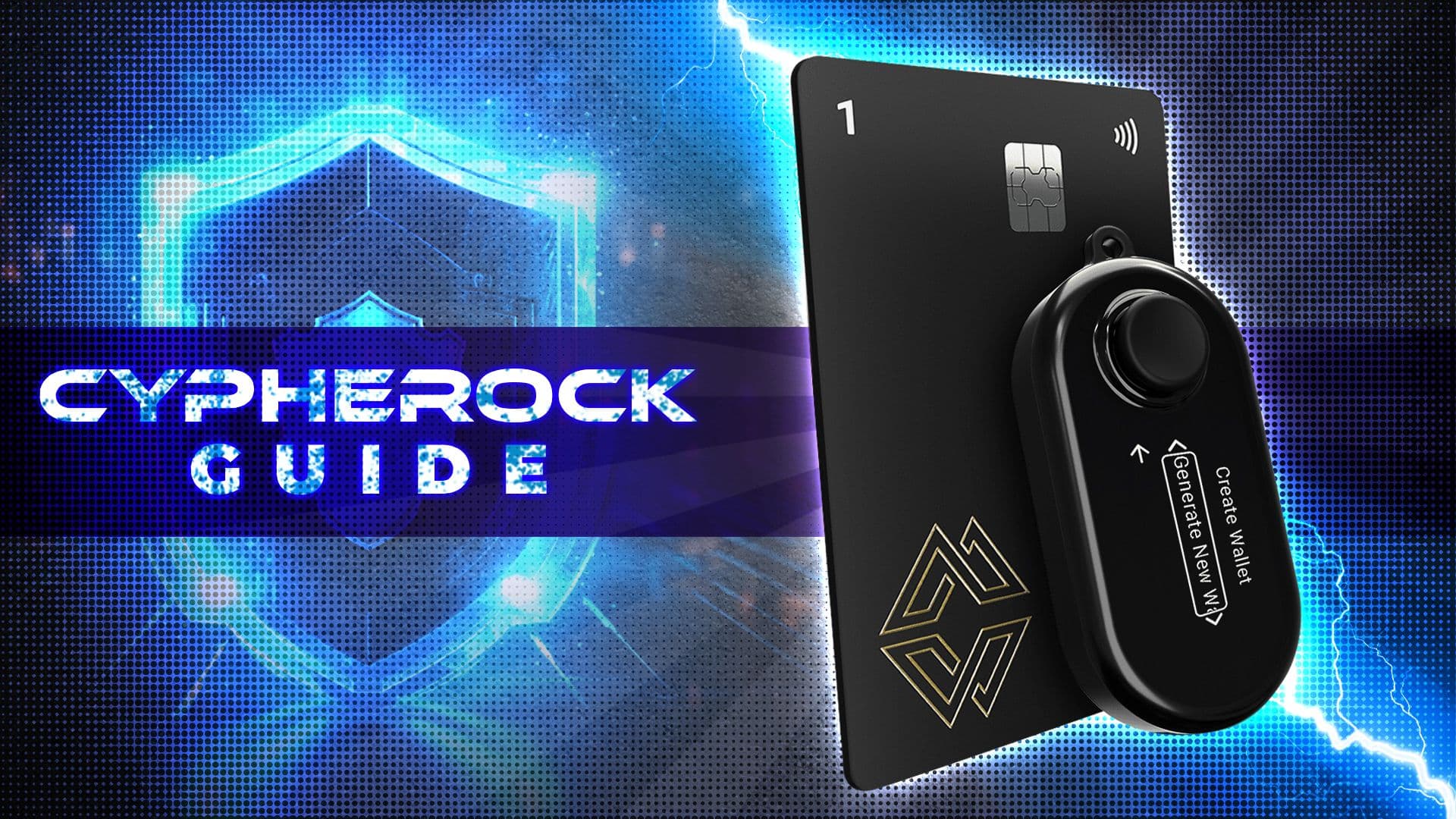
Not ideal for: Solana-only DeFi/NFT power users (use Phantom or Solflare), those who prioritize open-source auditability (Trezor), or anyone who wants a large device screen and polished desktop app (Ledger). For a fundamentally different security model, see the seedless Cypherock X1, or if you'd rather have the secure element built into your phone instead of a separate device, our Solana Seeker review covers its hardware-backed Seed Vault.
Get SafePal →
The Verdict
SafePal is a legitimate, well-established wallet ecosystem with a genuinely useful combo pitch: air-gapped cold storage, a capable hot wallet, and a spending card in one app — at the lowest hardware price in the category. For a multi-chain holder who wants one tool for everything and values cost, it's hard to beat on price.
The caveats are real, though. Its Solana support is functional but not native-grade, complex Solana transactions lean on the phone screen rather than the device, and the recurring support/swap-reliability complaints mean you should use it deliberately — small dedicated amounts, verify swaps, and never respond to anyone claiming to be "SafePal support." For Solana-first users specifically, a native wallet plus a hardware device gives a better experience; SafePal's edge is breadth and price, not Solana depth.
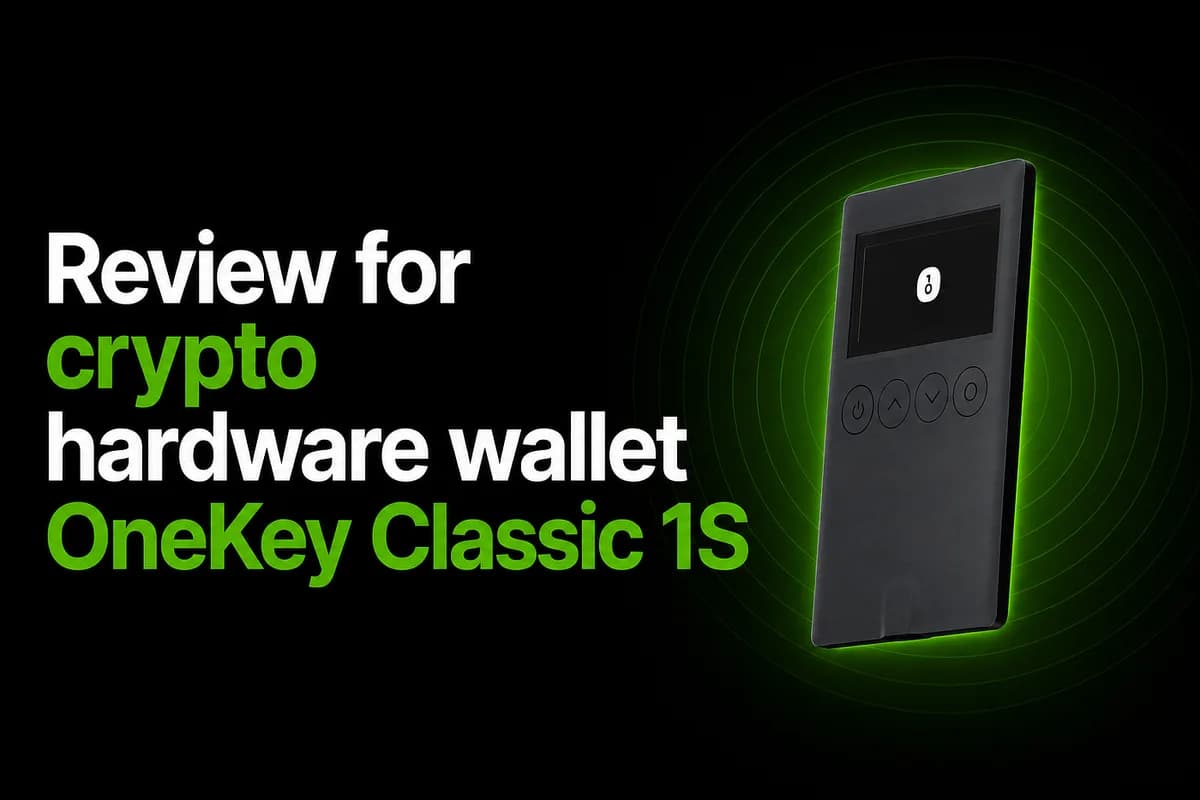
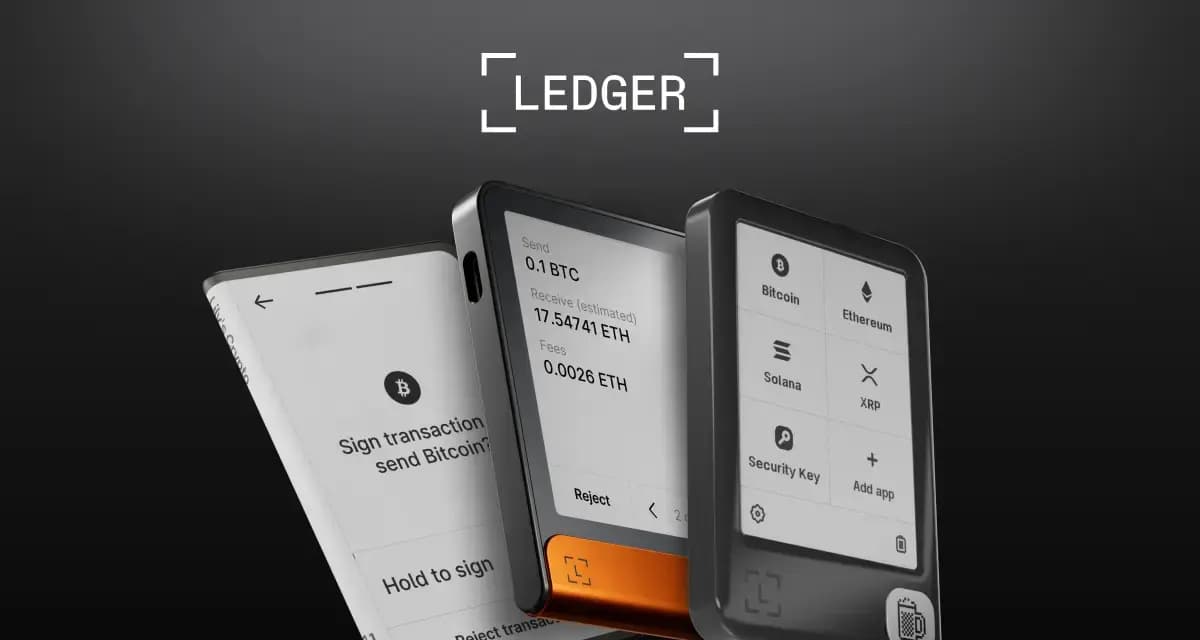
If Solana-native depth matters more to you than multi-chain breadth, our Ledger guide for storing SOL, SPL tokens, and NFTs and OneKey Classic 1S review both cover hardware wallets built with Solana staking and DeFi front and center.
Compare the full field in our best Solana hardware wallets roundup, and tighten your setup with the Solana wallet security checklist.
FAQ
How much does a SafePal hardware wallet cost?
The S1 is $49.99 (air-gapped, the cheapest option), the X1 is $69.99 (Bluetooth), and the S1 Pro is $89.99 (air-gapped, premium build). All are self-custody.
Does SafePal support Solana?
Yes — SOL, SPL tokens, Solana NFTs, dApps (Orca, Raydium, Pump.fun, Magic Eden), and SOL staking via Kiln. But the experience is generic compared to native wallets like Phantom or Solflare, and complex Solana transactions are verified on the phone rather than the device.
Is SafePal air-gapped?
The S1 and S1 Pro are fully air-gapped (QR-code signing, no Bluetooth/USB/WiFi/NFC). The newer X1 uses Bluetooth instead, so it is not air-gapped.
Is SafePal safe?
It's non-custodial, Binance Labs-backed, with an EAL5+ secure element and anti-tamper protection — no protocol-level breach reported. The main concerns are support quality and swap reliability, plus scammers impersonating "SafePal support." SafePal never asks for your seed phrase.
Is SafePal better than Ledger for Solana?
For pure Solana use, a native wallet (Phantom/Solflare) plus a Ledger generally gives deeper integration and better on-device verification. SafePal's advantages are its low price, true air-gap option, and the all-in-one app + card ecosystem.
Does a hardware wallet like SafePal keep my Solana activity private?
No — a hardware wallet only protects the keys that control your funds; it doesn't hide your balances, holdings, or transaction history, all of which remain fully public on-chain regardless of which device you sign with. For ways to actually reduce that exposure, see our Solana privacy tools guide.
September 2026 refresh
SafePal remains active across hardware wallets, software wallet, browser extension and card/payment products. Its hardware family still includes S1, S1 Pro and X1, but retail pricing changes with bundles/promotions; check the official store before comparing on dollars alone. Current firmware releases remain active in 2026. SafePal is multi-chain by design, so use it for Solana when you value one wallet ecosystem across chains rather than a Solana-native UX.
Source: SafePal official site and current SafePal firmware/product pages.